
Dell Laptop Overheating and Shutdown Patna
Does your Dell laptop get too hot to touch and switch off in the middle of work, online classes or a client meeting? If you are searching for a solution for Dell Laptop Overheating and Shutdown Patna, you are not alone. Patna’s hot summers, heavy humidity, dusty roads and frequent power fluctuations put extra stress on laptops every day. Ignoring the problem can permanently damage your motherboard, processor and battery.
This guide explains why Dell laptops overheat, what you can do at home, when you need a professional, and what the repair typically costs in Patna.
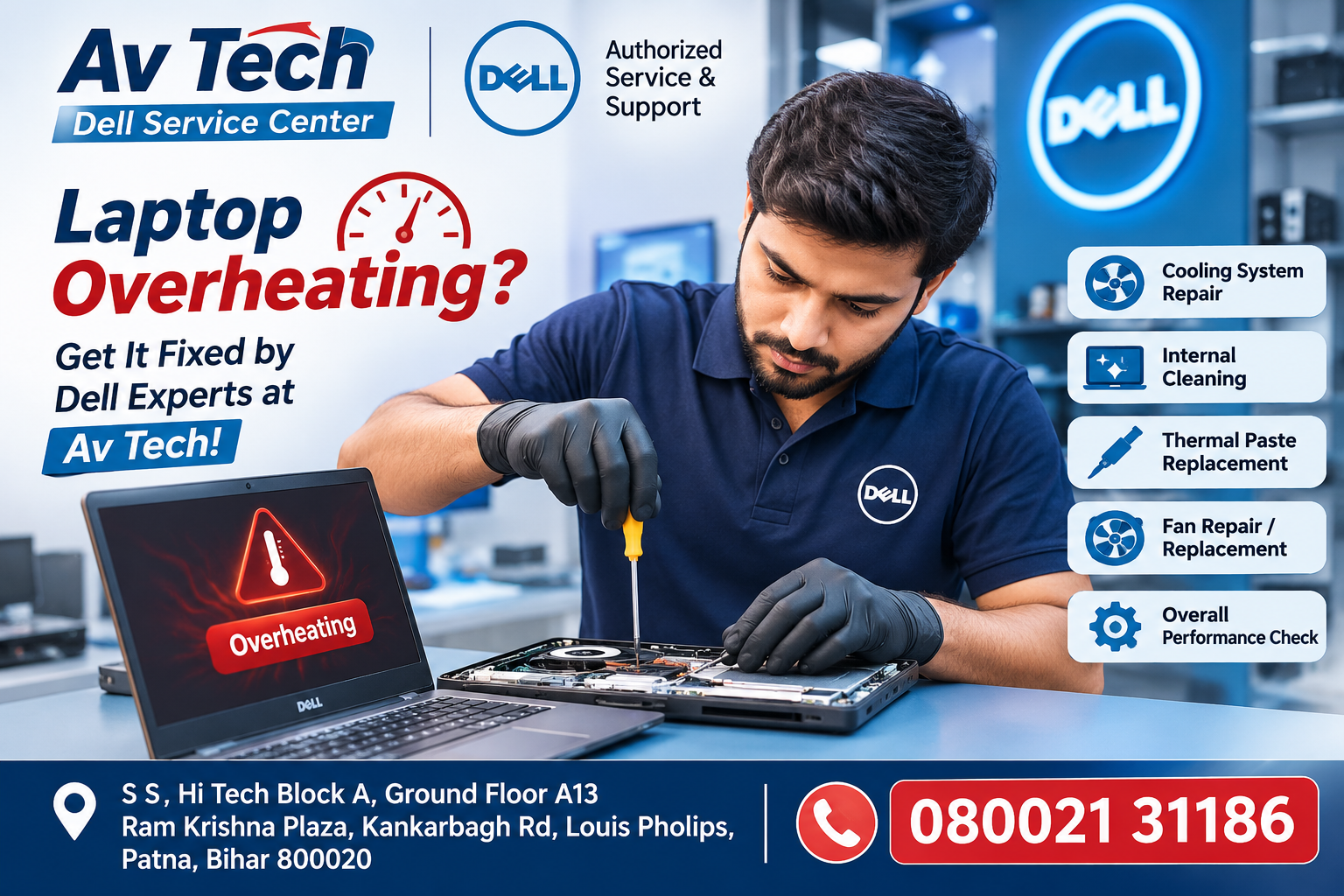
Why Does a Dell Laptop Overheat and Shut Down?
A laptop shuts down on purpose when its temperature crosses a safe limit. This thermal protection stops the processor from burning out. The most common reasons are:
- Dust-clogged fan and vents: Dust, hair and fibres block airflow, so hot air stays trapped inside.
- Dried thermal paste: The paste between the processor and heatsink hardens after 1.5 to 2 years and stops transferring heat.
- Faulty or slow cooling fan: A worn-out fan makes a rattling noise or spins slowly.
- Heavy software load: Too many Chrome tabs, background apps, malware or crypto-miners push the CPU to 100%.
- Soft surfaces: Using the laptop on a bed, sofa or pillow blocks the bottom vents.
- Failing battery: A swollen or degraded battery generates extra heat and can trigger sudden shutdowns.
- Faulty charger or power IC: Unstable voltage creates heat and random power-offs.
- Outdated BIOS or drivers: Wrong fan-control settings can make the fan run too slowly.
- High room temperature: Patna’s summer heat, often above 40°C, makes cooling much harder.
Warning Signs You Should Not Ignore
- Laptop body, keyboard or charger area becomes very hot
- Fan runs loudly at full speed even for light tasks
- Screen freezes or lags before shutting down
- Laptop turns off suddenly while charging or gaming
- Burning smell or a loud grinding or buzzing sound
- “Thermal event” or “CPU fan error” message at startup
Quick Things to Try at Home
- Use a hard, flat surface or a cooling pad to improve airflow.
- Close unused apps and browser tabs, and check Task Manager for high CPU usage.
- Update Windows, BIOS and drivers through Dell SupportAssist.
- Set the power mode to “Balanced” instead of “Best Performance.”
- Run an antivirus scan to remove hidden malware.
- Blow compressed air gently into the vents. Do not open the laptop yourself if it is under warranty.
- Keep it away from direct sunlight and avoid using it in closed, hot rooms.
If the laptop still overheats after these steps, the problem is hardware-related and needs professional servicing.
Professional Fix for Dell Laptop Overheating and Shutdown Patna
A permanent solution needs proper opening, cleaning and testing, not just a surface blow-out. At Avitech Dell Service Center Patna, located in Kankarbagh and trusted by around 2,500 customer reviewers, technicians typically follow this process:
- Diagnosis: Check temperature, fan speed, battery health, charger output and power circuits.
- Deep cleaning: Remove the fan and heatsink and clear all dust.
- Thermal paste replacement: Apply fresh, high-quality paste on the CPU and GPU.
- Fan or heatsink replacement: Replace if the fan is weak, noisy or damaged.
- Battery and charger testing: Replace any part that is delivering unstable power.
- Software optimisation: Update BIOS and drivers and remove heavy startup items.
- Stress testing: Run the laptop under load to confirm it stays cool before delivery.
Expected Repair Cost in Patna (Approximate)
| Service / Part | Expected Rate (₹) | Typical Time |
|---|---|---|
| Laptop diagnosis / checkup | ₹0 – ₹300 | Same day |
| Fan and vent deep cleaning | ₹400 – ₹800 | 2–4 hours |
| Thermal paste replacement | ₹500 – ₹900 | 2–4 hours |
| Complete service (cleaning + paste) | ₹700 – ₹1,200 | Same day |
| Cooling fan replacement | ₹900 – ₹2,200 | 1–2 days |
| Heatsink / cooling module replacement | ₹1,800 – ₹4,000 | 1–3 days |
| Battery replacement | ₹2,000 – ₹5,500 | Same day – 2 days |
| Charger / adapter replacement | ₹1,000 – ₹2,800 | Same day |
| BIOS update / software fix | ₹300 – ₹700 | 1–2 hours |
| Motherboard / power IC repair | ₹2,500 – ₹9,000+ | 2–5 days |
Rates are approximate and vary by Dell model (Inspiron, Vostro, Latitude, XPS, G-series), part availability and the extent of damage. Please confirm the exact quote after diagnosis.
How to Prevent Overheating in the Future
- Clean the fan and vents every 6 to 12 months
- Replace thermal paste every 2 years
- Never block the bottom or side vents
- Avoid charging and heavy gaming at the same time
- Use a genuine charger and a voltage stabiliser to guard against power fluctuations
- Keep BIOS, drivers and Windows updated
- Use a cooling pad during Patna’s summer months
Frequently Asked Questions (Searched in Patna)
1. Why does my Dell laptop shut down suddenly while charging?
This is usually caused by overheating, a weak battery or a faulty charger. A service centre can test all three quickly.
2. How much does laptop thermal paste replacement cost in Patna?
It generally costs between ₹500 and ₹900, depending on the model and paste quality.
3. Is it safe to use a laptop that gets very hot?
No. Continued overheating can damage the processor, motherboard and battery, and shorten the laptop’s life.
4. How often should a laptop be cleaned internally?
Every 6 to 12 months is ideal for Patna’s dusty environment.
5. Can overheating be fixed without replacing parts?
Often yes. Cleaning and fresh thermal paste solve many cases. Replacement is needed only if the fan, heatsink or battery is faulty.
6. Does a cooling pad really help?
Yes, it helps reduce surface temperature and improve airflow, but it cannot fix internal dust or dried thermal paste.
7. Is there a Dell laptop repair option near Kankarbagh, Patna?
Yes, Avitech’s Kankarbagh location is convenient for people across Patna, including Rajendra Nagar, Boring Road, Patliputra and Bailey Road.
8. How long does overheating repair take?
Cleaning and thermal paste service is often completed the same day. Part replacements may take 1 to 3 days.
9. Will servicing delete my data?
Normal cooling repairs do not affect your data, but it is always wise to keep a backup.
10. Why does my Dell laptop fan make a loud noise?
It is usually due to dust build-up, a worn fan bearing or high CPU load
Pingback: HP Laptop Black Screen Problem Patna -