
Dell Laptop Keyboard Touchpad Issue in Patna
Is your Dell laptop keyboard not responding, typing incorrect characters, or is the touchpad not working properly? If you’re searching for Dell Laptop Keyboard Touchpad Issue in Patna, AV Tech Dell Service Patna provides professional diagnosis and repair services for all Dell laptop models.
A faulty keyboard or touchpad can interrupt your work, online classes, business meetings, and daily tasks. Our experienced technicians quickly identify the root cause of the issue and provide reliable repair or replacement services using quality components and advanced diagnostic tools.
Whether your keyboard has stopped working completely or your touchpad is unresponsive, we deliver effective solutions to restore your Dell laptop to peak performance.
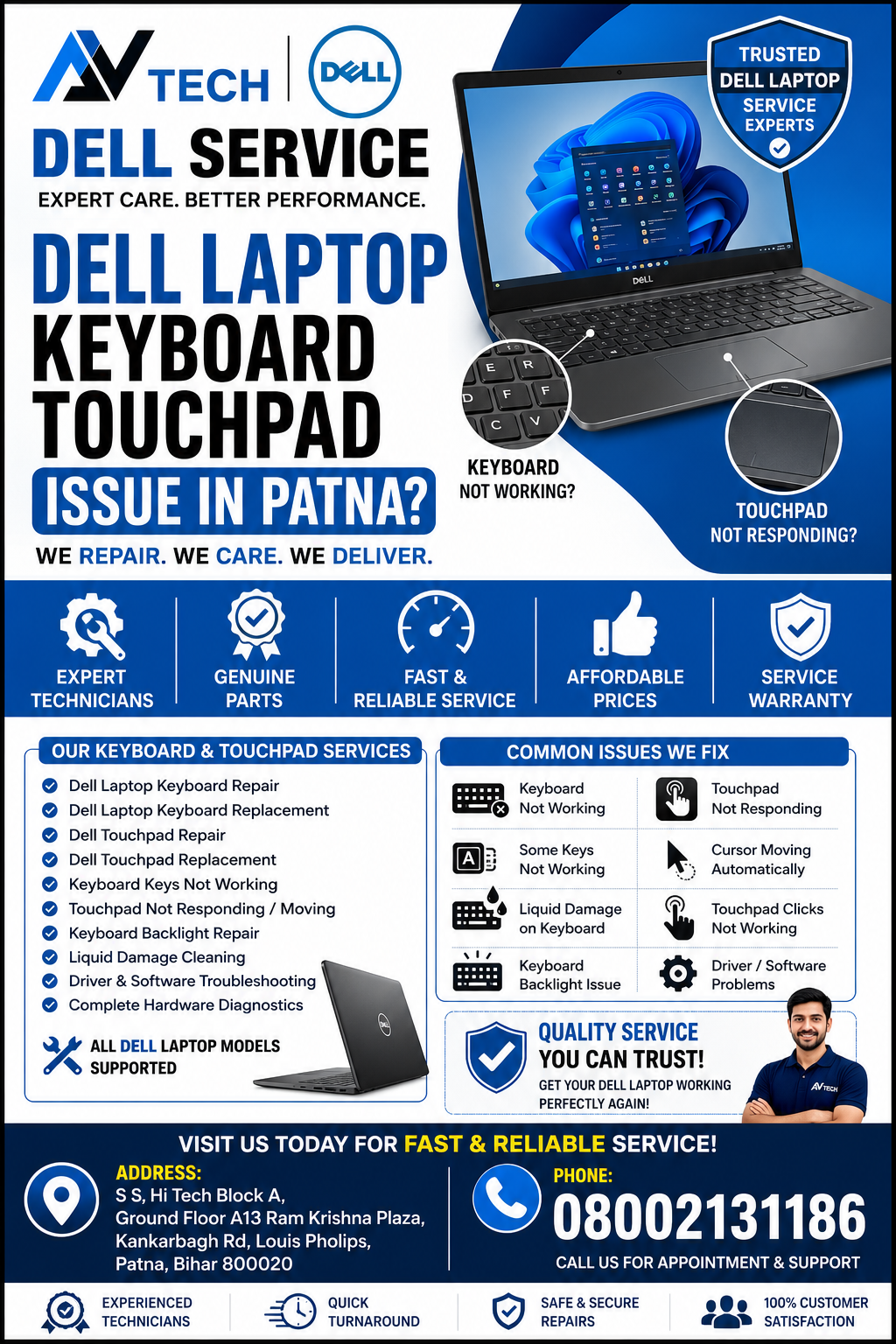
Common Dell Laptop Keyboard and Touchpad Problems
Keyboard and touchpad issues can occur due to hardware failure, software conflicts, accidental liquid spills, or physical damage. Some of the most common issues include:
- Dell laptop keyboard not working
- Dell touchpad not responding
- Some keyboard keys not working
- Keyboard typing incorrect characters
- Sticky or broken keys
- Keyboard backlight not working
- Touchpad cursor freezing
- Cursor moving automatically
- Multi-touch gestures not working
- Touchpad clicks not responding
- Keyboard works intermittently
- Touchpad disabled automatically
If you’re facing any of these issues, professional diagnosis is recommended to prevent further damage.
Dell Laptop Keyboard Touchpad Issue in Patna
Causes of Dell Laptop Keyboard and Touchpad Issues
Several factors can affect the performance of your Dell laptop keyboard and touchpad.
Liquid Damage
Water or other liquids can damage keyboard circuits and touchpad connectors.
Dust and Dirt Accumulation
Dust buildup under the keyboard or touchpad may reduce responsiveness.
Driver Problems
Outdated or corrupted drivers can cause the keyboard or touchpad to malfunction.
Hardware Failure
Damaged keyboard membranes, touchpad sensors, or ribbon cables may require replacement.
Physical Damage
Drops or accidental impacts can affect keyboard alignment and touchpad functionality.
BIOS or Software Issues
Incorrect BIOS settings or software conflicts can disable input devices.
Dell Laptop Keyboard Touchpad Issue in Patna
Our Dell Laptop Keyboard and Touchpad Repair Services
At AV Tech Dell Service Patna, we provide comprehensive repair solutions for Dell laptop input devices.
Our Services Include
- Dell laptop keyboard replacement
- Dell touchpad repair
- Touchpad replacement
- Keyboard connector repair
- Ribbon cable replacement
- Keyboard backlight repair
- Driver installation and updates
- BIOS troubleshooting
- Liquid damage cleaning
- Internal connector inspection
- Motherboard keyboard circuit repair
- Complete hardware diagnostics
Our technicians ensure every repair is performed with precision and care.
Dell Laptop Models We Service
We repair keyboard and touchpad issues for almost every Dell laptop series, including:
- Dell Inspiron
- Dell Latitude
- Dell Vostro
- Dell XPS
- Dell Precision
- Dell G Series
- Dell Alienware
- Dell Chromebook
- Dell Business Laptops
No matter which Dell laptop model you own, our team is ready to help.
Why Choose AV Tech Dell Service Patna?
Experienced Dell Laptop Technicians
Our technicians specialize in diagnosing and repairing Dell laptop hardware issues.
Advanced Diagnostic Equipment
We use professional tools to accurately identify keyboard and touchpad faults.
Genuine Replacement Parts
We use high-quality compatible replacement keyboards and touchpads for dependable performance.
Affordable Repair Solutions
Transparent pricing with no hidden charges.
Quick Turnaround
Most keyboard and touchpad repairs are completed quickly, depending on the issue and parts availability.
Thorough Quality Testing
Every laptop undergoes complete functionality testing before delivery.
Signs You Should Get Your Dell Laptop Checked
You should visit a professional repair center if:
- Keys stop responding.
- Keyboard types multiple letters automatically.
- Touchpad freezes frequently.
- Cursor jumps unexpectedly.
- Left or right click stops working.
- Keyboard backlight fails.
- External keyboard works but internal keyboard does not.
- Touchpad is detected but doesn’t respond.
Early diagnosis can prevent additional hardware problems.
Other Dell Laptop Repair Services We Offer
In addition to keyboard and touchpad repair, AV Tech Dell Service Patna also provides:
- Dell Laptop Screen Replacement
- Dell Motherboard Repair
- Dell Battery Replacement
- Dell Charging Port Repair
- Dell SSD Upgrade
- Dell RAM Upgrade
- Dell BIOS Repair
- Dell Fan Replacement
- Dell Hinge Repair
- Dell Data Recovery
- Dell Windows Installation
- Dell Virus Removal
- Dell Hardware Troubleshooting
Our Repair Process
Step 1 – Laptop Inspection
We inspect the keyboard, touchpad, and related hardware.
Step 2 – Diagnostic Testing
Advanced testing helps identify hardware or software issues.
Step 3 – Repair Recommendation
We explain the problem and recommend the most suitable repair solution.
Step 4 – Repair or Replacement
Faulty components are repaired or replaced using quality parts.
Step 5 – Final Testing
The keyboard, touchpad, and overall laptop performance are tested before delivery.
Tips to Keep Your Dell Laptop Keyboard and Touchpad in Good Condition
Follow these maintenance tips to extend the life of your laptop:
- Keep liquids away from your laptop.
- Clean the keyboard regularly.
- Avoid eating over the keyboard.
- Update drivers regularly.
- Use a keyboard protector if necessary.
- Handle the laptop carefully during travel.
- Avoid excessive pressure on the touchpad.
- Keep the laptop free from dust.
Benefits of Professional Keyboard and Touchpad Repair
Professional repair offers several advantages:
- Restores smooth typing experience
- Improves touchpad responsiveness
- Prevents additional hardware damage
- Enhances productivity
- Extends laptop lifespan
- Saves money compared to replacing the entire laptop
Why Customers Trust AV Tech Dell Service Patna
Customers across Patna rely on AV Tech Dell Service Patna because of:
- Skilled Dell laptop repair specialists
- Fast diagnostics
- Reliable repair solutions
- Genuine replacement parts
- Affordable pricing
- Professional customer support
- High-quality workmanship
We are committed to providing dependable laptop repair services with customer satisfaction as our priority.
Frequently Asked Questions (FAQs)
Why is my Dell laptop keyboard not working?
The issue could be caused by hardware failure, liquid damage, driver problems, ribbon cable issues, or motherboard faults.
Can a Dell laptop touchpad be repaired?
Yes. Most touchpad issues can be repaired by replacing damaged components, reinstalling drivers, or repairing internal connections.
Do you replace Dell laptop keyboards?
Yes. We provide professional keyboard replacement services for all major Dell laptop models.
How long does keyboard replacement take?
Most keyboard replacements are completed within the same day, depending on the model and parts availability.
Do you repair liquid-damaged keyboards?
Yes. We inspect the laptop thoroughly and repair or replace affected components whenever possible.
Contact AV Tech Dell Service Patna
If you’re facing a Dell Laptop Keyboard Touchpad Issue in Patna, trust AV Tech Dell Service Patna for reliable diagnosis, professional repair, and quality replacement services. Whether your keyboard has stopped working or your touchpad has become unresponsive, our experienced technicians are ready to restore your laptop to optimal working condition.