
Dell Laptop Battery Replacement Issue in Patna
A laptop battery is one of the most important components of any Dell laptop. If your device is experiencing fast battery drain, charging issues, unexpected shutdowns, or battery health warnings, it may be time for a professional inspection. If you are searching for a solution to a Dell Laptop Battery Replacement Issue in Patna, Av Tech Dell Service Patna offers expert support for diagnosing and resolving battery-related problems in Dell laptops.
Whether you use your Dell laptop for work, education, gaming, or business, a healthy battery is essential for uninterrupted performance.
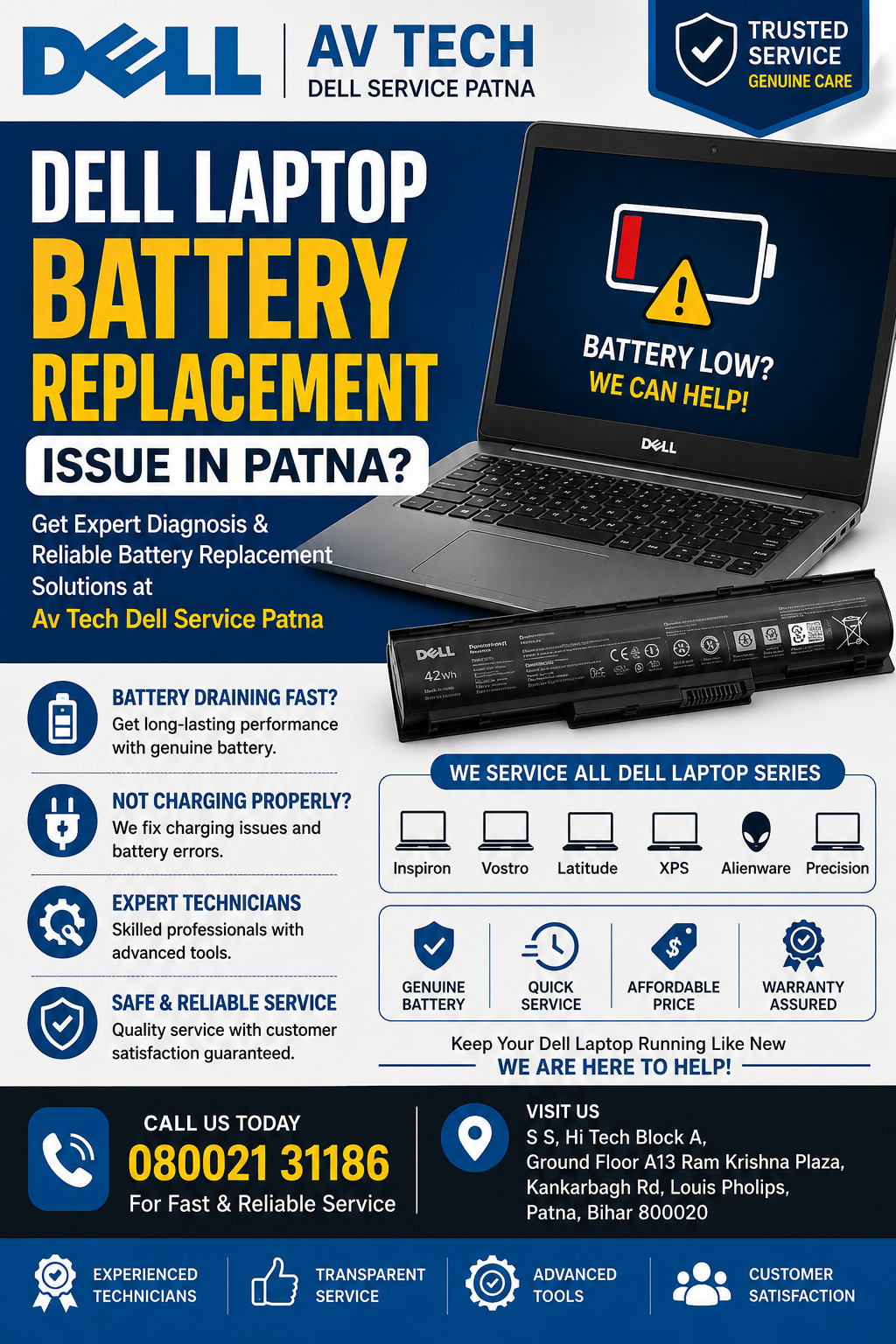
Common Signs of Dell Laptop Battery Failure
Battery issues often develop gradually. Here are the most common warning signs:
1. Battery Drains Too Quickly
If your Dell laptop loses charge rapidly even after a full charge, the battery may have reached the end of its life cycle.
2. Plugged In but Not Charging
Many Dell users encounter charging errors where the battery percentage remains unchanged despite being connected to a charger.
3. Unexpected Shutdowns
A failing battery may cause the laptop to power off suddenly, even when battery charge is still displayed.
4. Battery Health Warning Messages
Dell laptops often display notifications such as:
- Battery Needs Replacement
- Battery Health Poor
- Consider Replacing Your Battery
These warnings indicate battery degradation.
5. Swollen Battery
A swollen battery should be inspected immediately because it can damage internal laptop components and pose safety risks.
Why Dell Laptop Batteries Stop Working
Several factors contribute to battery deterioration:
Natural Aging
Lithium-ion batteries gradually lose capacity after repeated charge cycles.
Excessive Heat
Continuous exposure to high temperatures can significantly reduce battery lifespan.
Constant Charging
Keeping a laptop plugged in 24/7 may accelerate battery wear.
Heavy Workloads
Gaming, video editing, and intensive applications increase battery stress.
Use of Incompatible Chargers
Low-quality chargers may affect charging performance and battery health.
Dell Laptop Models Supported
At Av Tech Dell Service Patna, battery diagnosis and replacement support is available for various Dell laptop series:
Dell Inspiron Series
- Inspiron 14
- Inspiron 15
- Inspiron 16
Dell Latitude Series
- Latitude 3410
- Latitude 5420
- Latitude 7420
Dell Vostro Series
- Vostro 3400
- Vostro 3500
- Vostro 3520
Dell XPS Series
- XPS 13
- XPS 15
- XPS 17
Dell Precision Series
- Precision 3560
- Precision 5570
Dell Alienware Series
- Alienware m15
- Alienware x15
- Alienware x17
How to Check Dell Laptop Battery Health
You can monitor battery performance using built-in Windows tools:
Method 1: Windows Battery Report
- Open Command Prompt as Administrator.
-
Type:
powercfg /batteryreport - Press Enter.
- Open the generated report to review battery capacity and health.
Method 2: Dell SupportAssist
Dell SupportAssist provides detailed battery diagnostics and health reports.
Benefits of Timely Dell Laptop Battery Replacement
Replacing a faulty battery can significantly improve your laptop’s usability.
Longer Battery Backup
Enjoy extended usage without constantly searching for a charging outlet.
Improved Performance
Stable power delivery enhances overall laptop efficiency.
Enhanced Safety
Replacing damaged batteries helps prevent overheating and swelling risks.
Better Productivity
Avoid interruptions during work meetings, online classes, and important projects.
Increased Laptop Lifespan
A healthy battery contributes to the overall longevity of your Dell laptop.
Professional Dell Battery Diagnosis in Patna
Before replacing a battery, it is important to confirm the exact cause of the issue. Professional diagnostics typically include:
- Battery health testing
- Adapter inspection
- Charging port examination
- Motherboard power circuit testing
- Thermal performance checks
This helps identify whether the issue originates from the battery, charger, charging port, or motherboard.
Tips to Extend Dell Laptop Battery Life
To maximize battery performance:
Avoid Overheating
Use your laptop on hard surfaces with proper ventilation.
Reduce Screen Brightness
Lower brightness settings help conserve battery power.
Enable Battery Saver Mode
Windows Battery Saver can extend runtime significantly.
Keep Software Updated
BIOS and driver updates often improve battery management.
Disconnect Unnecessary Devices
External peripherals consume additional power.
Why Choose Av Tech Dell Service Patna?
Customers searching for solutions to Dell Laptop Battery Replacement Issue in Patna trust Av Tech Dell Service Patna because of:
- Experienced Dell laptop technicians
- Advanced diagnostic tools
- Support for all Dell laptop models
- Fast turnaround times
- Transparent service process
- Customer-focused technical assistance
We understand the importance of reliable battery performance and strive to provide dependable laptop support solutions.
Frequently Asked Questions
How long does a Dell laptop battery last?
Most Dell laptop batteries typically last between 2 and 4 years depending on usage habits and charging cycles.
Can a Dell laptop work with a damaged battery?
Yes, some laptops can operate on AC power, but a failing battery may still cause performance and stability issues.
Why does my Dell laptop say “Plugged In, Not Charging”?
This issue may be caused by battery degradation, charger problems, BIOS settings, or motherboard-related faults.
Is battery swelling dangerous?
Yes. A swollen battery should be inspected immediately to avoid internal hardware damage and safety concerns.
How do I know if my battery needs replacement?
Frequent shutdowns, poor backup, charging errors, battery health warnings, and swelling are common indicators.
Conclusion
If you are experiencing a Dell Laptop Battery Replacement Issue in Patna, addressing the problem promptly can prevent additional hardware complications and improve your laptop’s reliability. Battery issues such as rapid power loss, charging failures, overheating, and health warnings should never be ignored.