
Dell Service Center in Patna
A Dell laptop heating issue is one of the most common problems users experience after prolonged usage. Whether you use your Dell laptop for office work, online classes, graphic design, programming, gaming, or business applications, excessive heat can reduce performance and may affect internal components if left unchecked.
If your Dell laptop becomes unusually hot, runs slowly, or shuts down unexpectedly, timely diagnosis is important. AV Tech Dell Service Center in Patna provides professional inspection and repair services to identify the cause of overheating and restore your laptop’s performance.
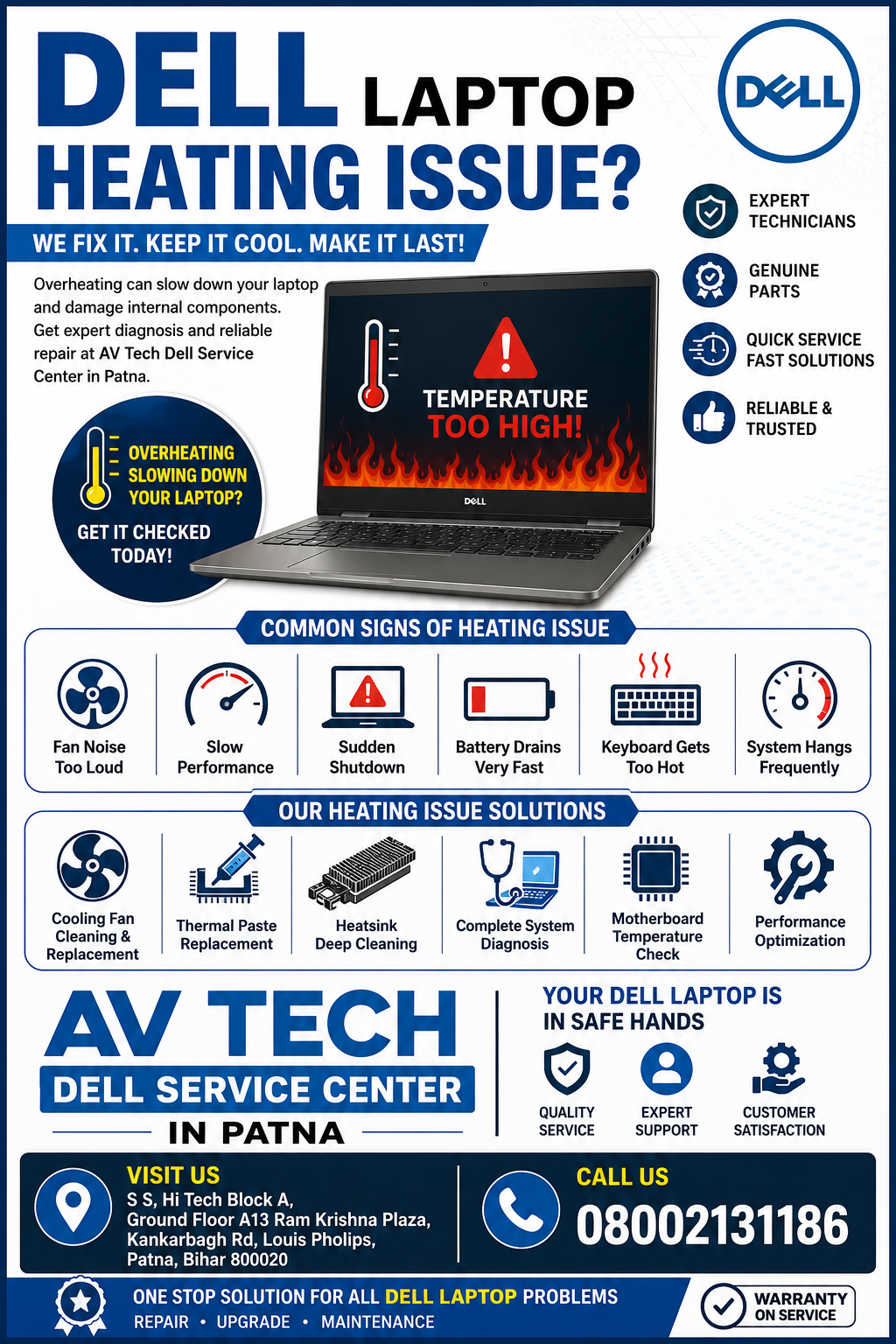
Why Does a Dell Laptop Overheat?
Modern Dell laptops are designed with efficient cooling systems. However, several hardware and software factors can cause overheating over time.
Dust Accumulation
Dust inside the cooling fan and heat sink blocks airflow, making it difficult for heat to escape.
Dry Thermal Paste
Thermal paste transfers heat from the processor to the cooling system. As it ages, it becomes less effective, causing processor temperatures to rise.
Cooling Fan Problems
A faulty or slow-moving fan cannot cool the processor properly, resulting in continuous overheating.
Heavy CPU Usage
Running multiple applications, video editing software, virtual machines, or high-performance programs can increase processor temperatures.
Malware or Background Processes
Hidden software and unnecessary background applications continuously use CPU resources, causing additional heat.
Blocked Air Vents
Using a laptop on soft surfaces such as beds or cushions restricts airflow through the ventilation system.
Common Symptoms of a Dell Laptop Heating Issue
If your laptop shows any of the following signs, professional inspection may be beneficial.
- Laptop becomes hot within a few minutes
- Cooling fan runs continuously
- Slow overall performance
- Unexpected shutdowns
- Loud fan noise
- Battery drains faster than normal
- Blue screen or system crashes
- Keyboard and bottom panel feel excessively hot
These symptoms often indicate cooling system inefficiency or internal hardware issues.
How to Reduce Dell Laptop Heating
Some overheating issues can be minimized with regular maintenance.
Clean Air Vents
Remove accumulated dust from ventilation openings using compressed air.
Use a Hard Surface
Always place your laptop on a flat desk rather than a pillow or blanket.
Close Background Applications
Reduce unnecessary processor usage by closing unused software.
Update Windows and Drivers
Updated system software can improve thermal management and power efficiency.
Scan for Malware
Viruses and unwanted software may keep CPU usage high even when the laptop appears idle.
Use Balanced Power Settings
Balanced mode reduces unnecessary processor load during everyday work.
Professional Dell Laptop Heating Repair at AV Tech Dell Service Center in Patna
If your laptop continues overheating after basic troubleshooting, professional diagnosis is recommended.
At AV Tech Dell Service Center in Patna, our technicians inspect every component involved in the cooling system before recommending repairs.
Our heating issue services include:
- Complete laptop diagnosis
- Internal dust cleaning
- Cooling fan inspection
- Fan replacement (if required)
- Thermal paste replacement
- Heat sink cleaning
- Motherboard temperature testing
- BIOS updates
- Processor cooling optimization
- Performance testing after repair
Every laptop is carefully checked to identify the root cause instead of simply treating the symptoms.
Dell Laptop Models We Service
We provide repair support for most Dell laptop models, including:
- Dell Inspiron Series
- Dell Latitude Series
- Dell Vostro Series
- Dell XPS Series
- Dell Precision Workstations
- Dell Alienware Gaming Laptops
- Dell G Series Gaming Laptops
Why Choose AV Tech Dell Service Center in Patna?
Finding an experienced repair center helps ensure accurate diagnosis and dependable service.
Experienced Technicians
Our technicians have experience servicing various Dell laptop models and handling different heating-related issues.
Advanced Diagnostic Tools
We inspect hardware and software together to accurately identify overheating problems.
Quality Replacement Parts
When replacements are necessary, we use quality-compatible components suitable for Dell laptops.
Transparent Service Process
Customers receive a clear explanation of the issue along with the recommended repair process.
Quick Turnaround Time
Many heating-related repairs can be completed efficiently, depending on the condition of the device.
Prevent Future Heating Problems
Regular maintenance can help improve cooling efficiency and extend the lifespan of your Dell laptop.
Helpful maintenance tips include:
- Clean internal dust every 6–12 months
- Replace thermal paste when recommended
- Keep ventilation openings unobstructed
- Update drivers regularly
- Avoid prolonged use in high-temperature environments
- Use a compatible charger
- Run periodic malware scans
Preventive care helps reduce the likelihood of overheating and supports long-term performance.
When Should You Visit a Dell Service Center?
Professional inspection is recommended if:
- The laptop shuts down because of heat
- Fan noise becomes unusually loud
- The laptop remains hot even after cleaning
- Performance suddenly decreases
- You notice a burning smell
- Frequent blue screen errors occur
- The laptop becomes uncomfortable to use due to excessive heat
Early diagnosis can help prevent more extensive hardware repairs.
Visit AV Tech Dell Service Center in Patna
If your Dell laptop is overheating, slowing down, or shutting down unexpectedly, it is advisable to have it inspected by trained professionals.
AV Tech Dell Service Center in Patna provides reliable diagnosis and repair services for Dell laptop heating issues. Whether the problem is related to dust buildup, cooling fans, thermal paste, or internal hardware, our technicians focus on identifying the root cause and restoring your laptop to optimal working condition.
Frequently Asked Questions (FAQs)
Why is my Dell laptop heating up so quickly?
Common causes include dust accumulation, blocked air vents, aging thermal paste, high CPU usage, or a faulty cooling fan.
Can overheating damage a Dell laptop?
Yes. Prolonged overheating may affect the processor, motherboard, battery, SSD, and overall system stability.
How often should a Dell laptop be cleaned internally?
Internal cleaning every 6 to 12 months is generally recommended, depending on the environment and usage.
Does replacing thermal paste reduce laptop temperature?
Fresh thermal paste improves heat transfer between the processor and heat sink, which can help lower operating temperatures.
Can software cause a Dell laptop heating issue?
Yes. High CPU usage from background applications, malware, or demanding software can increase internal temperatures.