
Dell Care in Patna
Is your Dell laptop battery draining quickly, not charging, or showing unexpected battery errors? Battery problems can reduce productivity and affect your daily work. If you are searching for Dell Care in Patna for a reliable battery diagnosis and repair, AV Tech Dell Care offers professional support for a wide range of Dell laptop models.
Whether your laptop is used for business, education, gaming, or personal work, a healthy battery is essential for smooth performance.
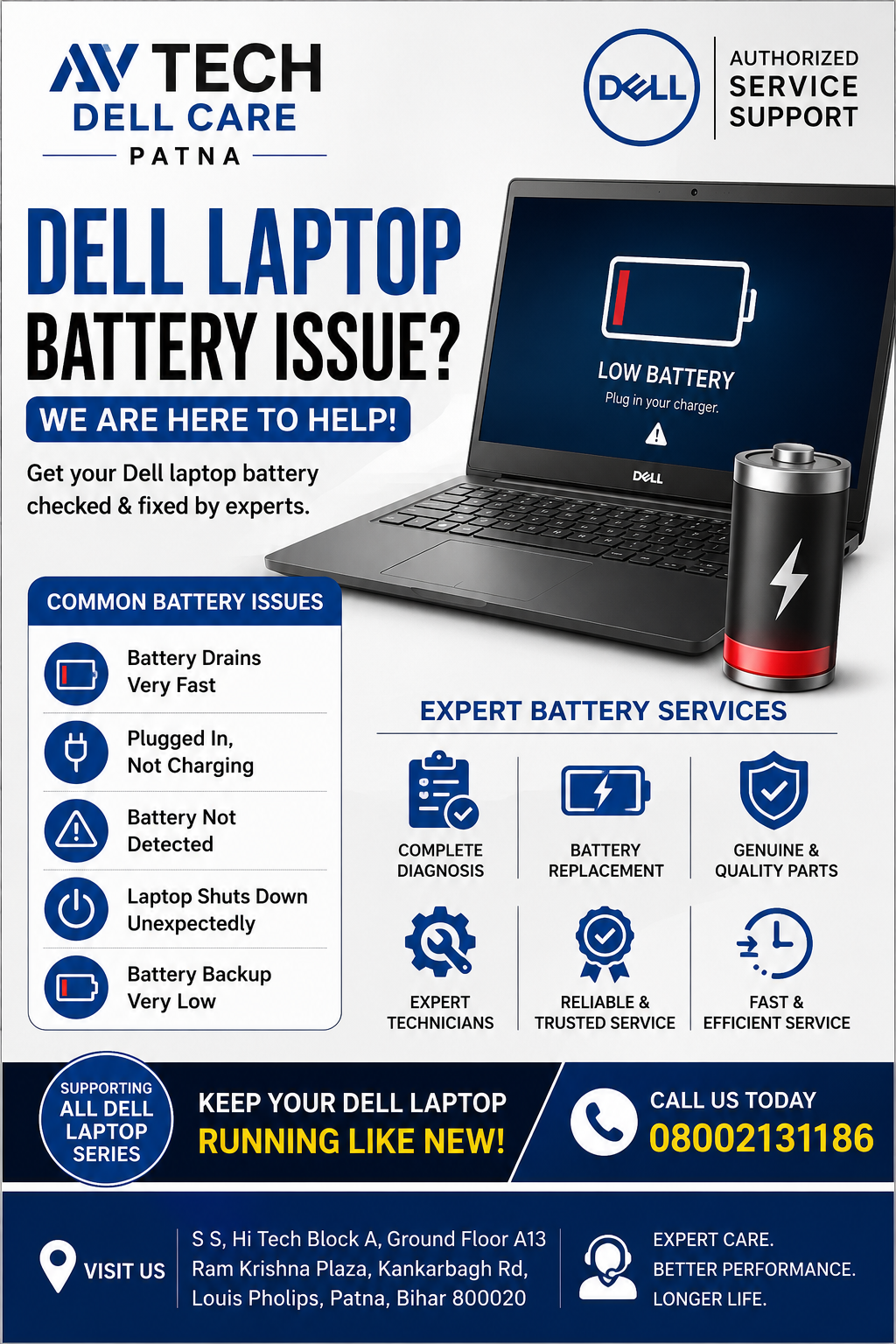
Common Dell Laptop Battery Issues
Dell laptop batteries naturally wear out over time, but some problems may also result from charging habits, software settings, or hardware faults.
Some common battery issues include:
- Laptop battery drains very fast
- Battery not charging beyond a certain percentage
- “Plugged in, Not Charging” message
- Battery health warning in Dell BIOS
- Laptop shuts down suddenly
- Battery not detected
- Swollen or damaged battery
- Battery backup significantly reduced
- Laptop only works while connected to the charger
Professional diagnosis helps identify whether the issue is caused by the battery, charging adapter, motherboard, or software.
Dell Care in Patna
Signs That Your Dell Laptop Battery Needs Attention
You should consider getting your Dell laptop checked if you notice:
- Battery percentage drops rapidly
- Charging takes unusually long
- Laptop becomes hot while charging
- Battery icon displays warning notifications
- Battery backup lasts only a few minutes
- Laptop powers off unexpectedly
- Battery health shows “Poor” or “Replace”
Ignoring these signs may affect overall laptop performance.
Dell Care in Patna
Causes of Dell Laptop Battery Problems
Several factors can contribute to battery-related issues:
1. Battery Aging
Rechargeable batteries lose capacity after hundreds of charging cycles.
2. Overheating
High temperatures can reduce battery life and efficiency.
3. Faulty Charger
Using an incompatible or damaged charger may prevent proper charging.
4. BIOS or Driver Issues
Outdated BIOS or battery drivers may create charging problems.
5. Power Management Settings
Incorrect Windows power settings can affect charging behavior.
6. Hardware Faults
Issues with the charging IC, motherboard, or charging port may also cause battery problems.
Dell Laptop Battery Diagnostic Process
At AV Tech Dell Care in Patna, technicians perform a complete inspection before recommending any repair.
The diagnosis may include:
- Battery health testing
- Charger output testing
- Motherboard charging circuit inspection
- BIOS battery status check
- Windows battery report analysis
- Charging port inspection
- Adapter compatibility verification
This helps identify the actual cause instead of replacing parts unnecessarily.
Dell Laptop Models Supported
Battery support is available for many Dell laptop series, including:
- Dell Inspiron Series
- Dell Latitude Series
- Dell Vostro Series
- Dell XPS Series
- Dell Precision Series
- Dell G Series Gaming Laptops
- Dell Alienware Laptops
Tips to Improve Dell Laptop Battery Life
You can extend battery lifespan by following these best practices:
- Avoid exposing the laptop to excessive heat.
- Use the original compatible charger.
- Keep BIOS updated.
- Reduce screen brightness when possible.
- Close unnecessary background applications.
- Avoid keeping the battery at 0% for long periods.
- Enable Dell battery optimization settings if available.
- Disconnect the charger once the battery is fully charged if recommended for your usage pattern.
When Should You Replace Your Dell Laptop Battery?
Battery replacement may be appropriate if:
- Battery health is significantly degraded.
- The battery is swollen.
- The laptop no longer holds a charge.
- Battery backup is extremely short.
- Charging fails even after software troubleshooting.
A proper inspection helps determine whether replacement is necessary.
Why Choose AV Tech Dell Care in Patna?
Customers choose AV Tech Dell Care because of:
- Experienced laptop technicians
- Professional battery diagnostics
- Support for multiple Dell laptop models
- Careful inspection before repair recommendations
- Genuine attention to laptop performance
- Transparent service process
- Convenient location in Patna
Dell Laptop Battery Care Tips
To maximize battery life:
- Keep software updated.
- Avoid frequent deep discharges.
- Store the laptop in a cool, dry place.
- Clean air vents regularly.
- Use recommended charging accessories.
- Avoid leaving the laptop plugged in continuously if your usage pattern allows.
- Periodically check battery health.
Frequently Asked Questions
Why is my Dell laptop battery draining quickly?
Battery drain may occur due to battery aging, heavy applications, high screen brightness, background software, or hardware issues. A professional diagnosis can identify the exact cause.
Why does my Dell laptop say “Plugged in, Not Charging”?
Possible reasons include battery wear, charger issues, BIOS settings, driver problems, or motherboard charging faults.
Can a swollen Dell laptop battery be repaired?
A swollen battery should generally be replaced rather than repaired, as it may present safety risks.
How long does a Dell laptop battery usually last?
Most Dell laptop batteries typically last several years under normal usage, though actual lifespan depends on charging cycles, usage habits, and environmental conditions.
Can software problems affect battery charging?
Yes. Outdated BIOS, battery drivers, or incorrect power management settings can sometimes interfere with charging performance.