
Dell Care in Patna
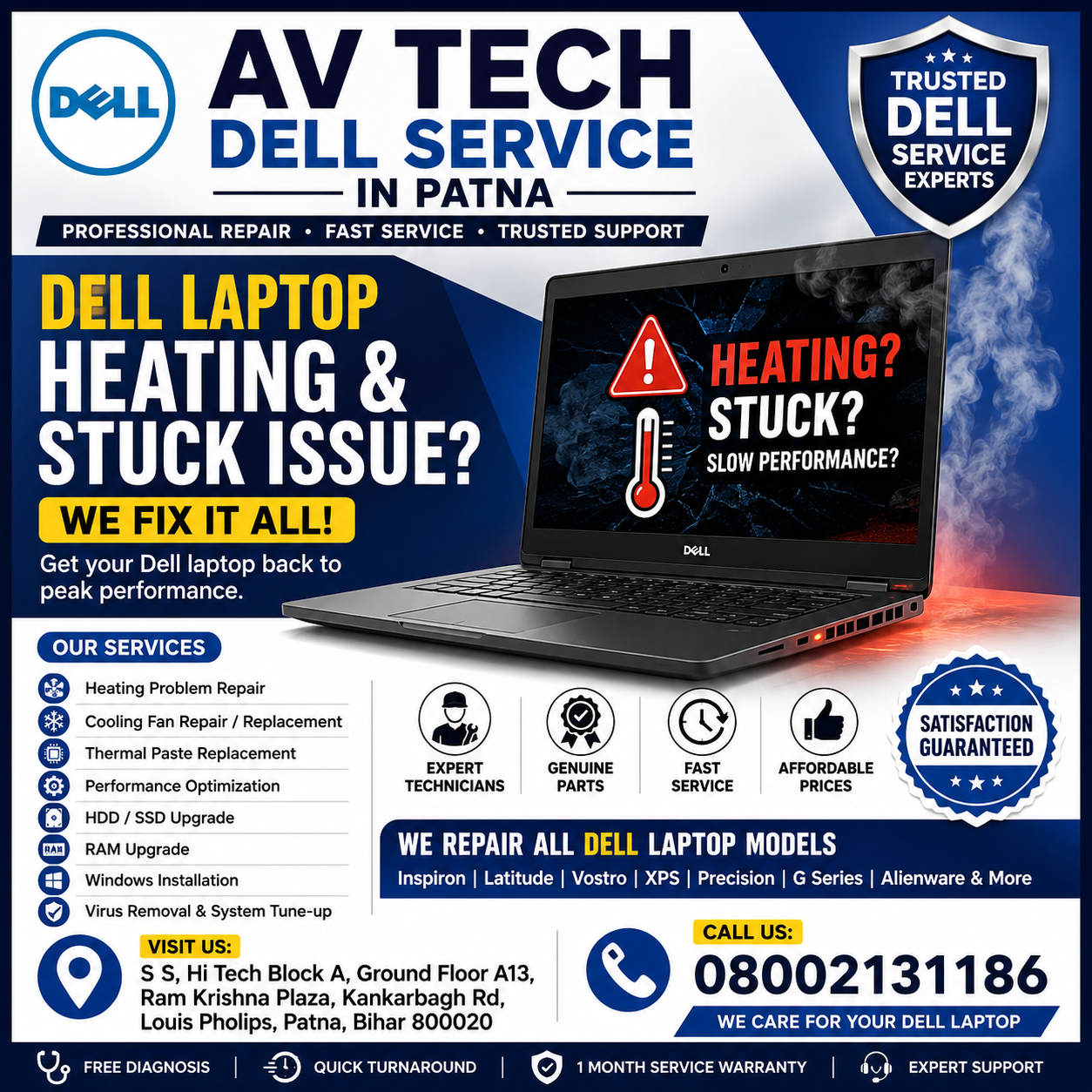
A Dell laptop heating and stuck issue can significantly affect your productivity and overall user experience. Whether you use your Dell laptop for office work, online classes, gaming, or business tasks, overheating and system freezing can lead to slow performance, unexpected shutdowns, and hardware damage if left unresolved.
If you are experiencing frequent laptop hangs, excessive heat, or sluggish performance, AV Tech Dell Service in Patna offers professional diagnosis and repair solutions for all Dell laptop models.
What Causes Dell Laptop Heating & Stuck Issues?
Several hardware and software-related factors can contribute to overheating and freezing problems.
1. Dust in Cooling Vents and Fan
Dust accumulation blocks airflow, causing internal components to overheat and reducing cooling efficiency.
2. Faulty Cooling Fan
A damaged or slow-running fan cannot properly dissipate heat generated by the processor and other components.
3. Excessive CPU Usage
Running multiple heavy applications simultaneously can overload the processor, resulting in high temperatures and system lag.
4. Outdated Drivers and Windows Issues
Old drivers, corrupted system files, or pending Windows updates can lead to performance instability and frequent freezing.
5. Thermal Paste Wear-Out
Over time, thermal paste between the processor and heat sink dries out, reducing heat transfer efficiency and causing overheating.
Dell Care in Patna
Common Symptoms of Dell Laptop Heating & Stuck Issues
You may notice the following warning signs:
- Laptop becomes unusually hot during use
- System freezes frequently
- Applications stop responding
- Slow boot-up and performance
- Unexpected shutdowns or restarts
- Loud cooling fan noise
- Blue screen errors
- Battery draining faster than normal
If these symptoms occur regularly, it is advisable to seek professional assistance from AV Tech Dell Service in Patna.
Dell Care in Patna
Effective Solutions for Dell Laptop Heating & Stuck Issues
Clean Internal Components
Regular cleaning of fans, air vents, and heat sinks improves airflow and helps maintain safe operating temperatures.
Update Software and Drivers
Installing the latest Windows updates and Dell drivers can improve system stability and performance.
Remove Unnecessary Programs
Closing unused applications and startup programs reduces processor load and heat generation.
Upgrade RAM and SSD
Insufficient RAM and outdated hard drives often contribute to freezing issues. Upgrading to an SSD can dramatically improve speed.
Replace Thermal Paste
Applying fresh thermal paste helps transfer heat effectively from the processor to the cooling system.
Perform Virus and Malware Removal
Malware infections can consume system resources and cause overheating, lagging, and system crashes.
For complete inspection and repair services, AV Tech Dell Service in Patna provides advanced diagnostics and reliable solutions.
Why Timely Repair Is Important
Ignoring a Dell Laptop Heating & Stuck Issue can lead to serious consequences such as:
- Motherboard failure
- Processor damage
- Data loss
- Reduced battery life
- Permanent hardware malfunction
- Increased repair costs
Early diagnosis can prevent major hardware failures and extend the life of your Dell laptop.
Why Choose AV Tech Dell Service in Patna?
When your Dell laptop is overheating, freezing, or running slowly, choosing a trusted service center is essential. AV Tech Dell Service in Patna specializes in Dell laptop troubleshooting, fan replacement, thermal paste replacement, SSD upgrades, RAM upgrades, motherboard repairs, software optimization, and virus removal services.
Customers rely on AV Tech Dell Service in Patna for professional support, experienced technicians, genuine spare parts, and quick turnaround times. Whether you have a business laptop, gaming laptop, or personal device, expert solutions are available for every Dell model.
Conclusion
A Dell Laptop Heating & Stuck Issue should never be ignored, as it can affect performance and damage important hardware components. Regular maintenance, software optimization, and timely repairs can keep your laptop functioning efficiently. If your Dell laptop is overheating, hanging, or freezing frequently, professional assistance can identify the root cause and restore smooth performance.