
Dell Laptop Service Centre in Patna
Dell Laptop Battery Issue – Complete Guide by AV Tech Dell Service Centre
A Dell laptop is known for its performance, durability, and reliability. However, like any electronic device, battery-related problems can occur over time. If you are facing a Dell Laptop Battery Issue, such as fast battery draining, charging problems, battery not detected errors, or sudden shutdowns, understanding the root cause can help you find the right solution.
At AV Tech Dell Service Centre, we specialise in diagnosing and repairing all types of Dell laptop battery problems. This comprehensive guide explains the common causes, troubleshooting methods, and professional repair options available for Dell laptop users.
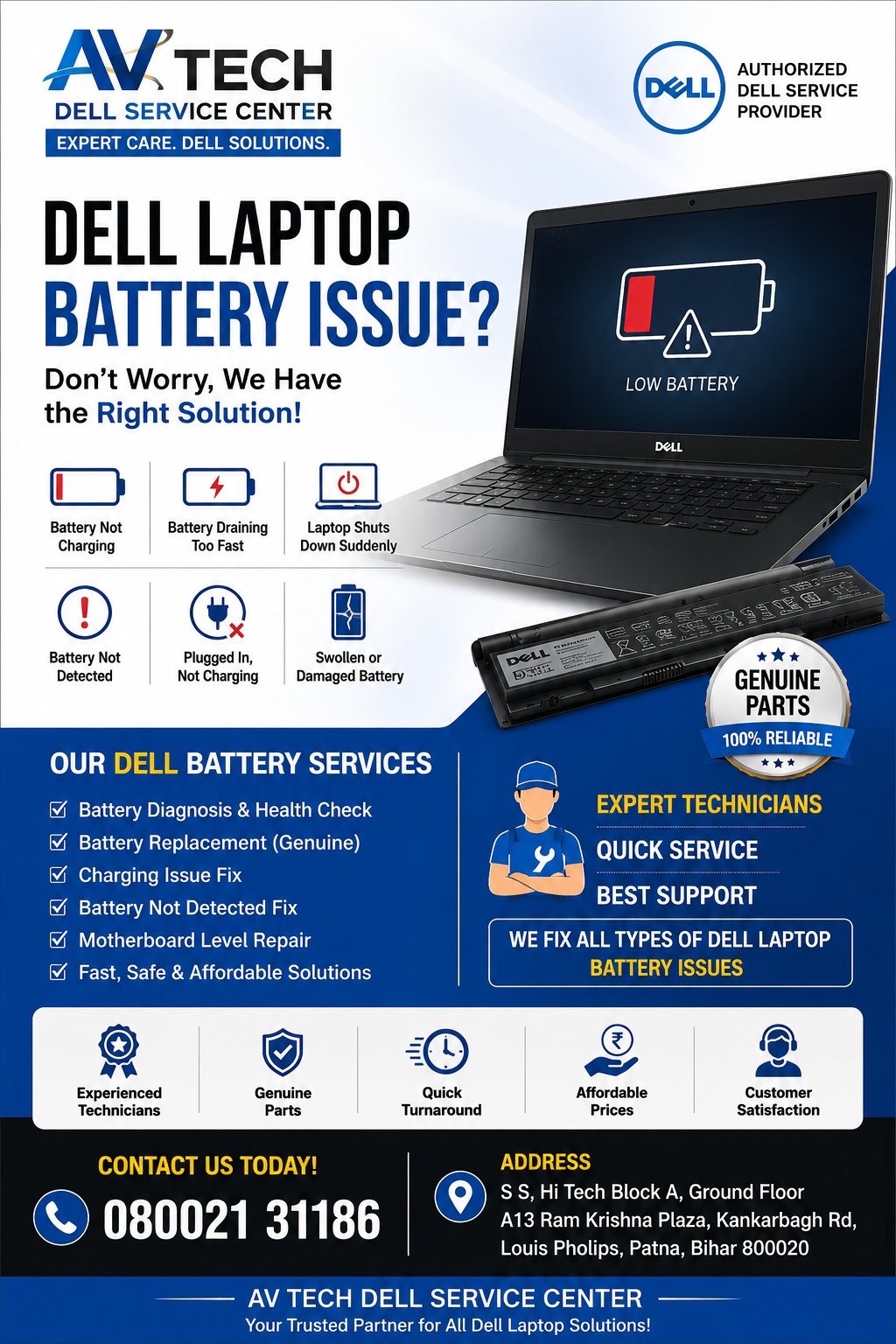
What Is a Dell Laptop Battery Issue?
A Dell Laptop Battery Issue refers to any problem that affects the charging, performance, lifespan, or functionality of your laptop battery. These issues can impact productivity and may lead to unexpected shutdowns or reduced laptop performance.
Common symptoms include:
- Battery not charging
- Battery draining quickly
- The laptop shuts down suddenly
- Battery not detected
- Plugged in but not charging
- Battery health warning messages
- Swollen or damaged battery
- Reduced battery backup time
Dell Laptop Service Center in Patna
Common Causes of Dell Laptop Battery Issues
1. Battery Ageing
Laptop batteries have a limited number of charge cycles. After years of use, battery capacity naturally decreases.
Signs include:
- Reduced battery life
- Frequent charging requirements
- Unexpected power loss
2. Faulty Charger or Power Adapter
A damaged charger may prevent proper charging and create battery-related errors.
Common indicators:
- Loose charging connection
- Charging stops intermittently
- Adapter warning messages
3. BIOS or Driver Problems
Outdated BIOS firmware or battery drivers can affect charging performance.
Symptoms:
- Charging inconsistencies
- Battery detection issues
- Incorrect battery percentage readings
4. Overheating
Excessive heat can damage battery cells and shorten battery lifespan.
Causes include:
- Dust accumulation
- Blocked air vents
- Heavy gaming or intensive applications
5. Motherboard Charging Circuit Failure
Sometimes the battery itself is healthy, but the motherboard’s charging circuit is faulty.
Common signs:
- The new battery still won’t charge
- Adapter works correctly
- Battery status remains unchanged
6. Swollen Battery
Battery swelling is a serious issue requiring immediate attention.
Warning signs:
- Bulging laptop base
- Lifted keyboard or touchpad
- Physical deformation
Dell Laptop Service Centre in Patna
How to Diagnose a Dell Laptop Battery Issue
Run Dell Battery Diagnostics
Dell laptops include built-in diagnostic tools.
Steps:
- Turn off the laptop.
- Press the power button and repeatedly press F12.
- Select Diagnostics.
- Run battery health tests.
Check Battery Health in BIOS
- Restart the laptop.
- Press F2 to enter BIOS.
- Locate Battery Information.
- Review battery health status.
Battery health may show:
- Excellent
- Good
- Fair
- Poor
- Replace Recommended
Dell Laptop Battery Not Charging – How to Fix It
If your Dell laptop displays “Plugged In, Not Charging,” try the following:
Solution 1: Perform a Power Reset
- Turn off the laptop.
- Disconnect the charger.
- Remove the battery if removable.
- Hold the power button for 30 seconds.
- Reconnect everything and restart.
Solution 2: Update BIOS
Updating BIOS can resolve charging and battery detection issues.
Solution 3: Reinstall Battery Drivers
- Open Device Manager.
- Expand Batteries.
- Uninstall battery-related drivers.
- Restart the laptop.
Solution 4: Test Another Charger
A faulty adapter often causes charging issues.
Solution 5: Professional Diagnosis
If the issue persists, visit AV Tech Dell Service Center for advanced diagnostics and repair.
Dell Laptop Battery Draining Fast
A rapidly draining battery is one of the most common Dell laptop battery issues.
Possible Reasons
- High screen brightness
- Background applications
- Malware infection
- Aging battery
- Excessive heat
- Outdated drivers
Recommended Fixes
- Reduce screen brightness
- Enable Battery Saver Mode
- Close unnecessary applications
- Update Windows and drivers
- Replace old batteries when necessary
Dell Laptop Battery Not Detected
The “Battery Not Detected” error usually appears due to:
- Loose battery connection
- BIOS issues
- Hardware faults
- Damaged battery cells
Quick Troubleshooting
- Update BIOS
- Reseat the battery
- Run Dell diagnostics
- Check adapter functionality
If the issue continues, contact the AV Tech Dell Service Centre for expert inspection.
Signs You Need a Dell Battery Replacement
Battery replacement may be necessary if:
- Battery health is poor
- Backup time is less than one hour
- The battery is swollen
- The laptop only works while plugged in
- The battery is not recognised by the system
Replacing the battery promptly helps prevent further hardware damage.
Why Choose AV Tech Dell Service Centre?
When dealing with a Dell Laptop Battery Issue, professional diagnosis is essential to identify whether the problem lies in the battery, charger, motherboard, or software.
Benefits of Choosing AV Tech Dell Service Centre
- Experienced Dell laptop technicians
- Advanced diagnostic tools
- Genuine replacement parts
- Fast turnaround time
- Affordable repair solutions
- Comprehensive battery health testing
- Customer-focused support
The technical team at AV Tech Dell Service Centre provides reliable solutions for all Dell laptop battery-related concerns.
Tips to Extend Dell Laptop Battery Life
Avoid Full Discharge
Keep battery levels between 20% and 80% whenever possible.
Prevent Overheating
Use laptops on hard surfaces and ensure proper ventilation.
Use Original Chargers
Always use compatible Dell chargers.
Update Software Regularly
Driver and BIOS updates often improve battery management.
Enable Battery Optimisation Features
Dell Power Manager and Windows battery settings can help maximise battery lifespan.
Frequently Asked Questions (FAQs)
Why is my Dell laptop battery draining so fast?
Fast battery drain may occur due to battery aging, background applications, overheating, high brightness settings, or software issues.
Can a Dell laptop battery be repaired?
In most cases, defective lithium-ion batteries are replaced rather than repaired for safety and reliability.
How long does a Dell laptop battery last?
Most Dell laptop batteries last between 2 and 5 years, depending on usage patterns and charging habits.
Why does my Dell laptop say “Plugged In, Not Charging”?
This issue may be caused by a faulty charger, BIOS settings, battery degradation, or motherboard charging circuit problems.
When should I replace my Dell laptop battery?
Replace the battery when backup time drops significantly, health status becomes poor, or the battery shows physical swelling.
Conclusion
A Dell Laptop Battery Issue can affect productivity, performance, and overall user experience. Whether your laptop battery is draining quickly, not charging, not detected, or showing health warnings, timely diagnosis is crucial.
For accurate troubleshooting, genuine battery replacement, and professional repair services, AV Tech Dell Service Centre offers expert support for all Dell laptop models. Addressing battery issues early can prevent costly repairs and help extend the lifespan of your device.