
Dell Laptop Service Center in Patna
Dell laptops are widely trusted for business work, gaming, education, and professional usage because of their excellent speed and performance. Most modern Dell laptops use SSDs (Solid State Drives) to provide faster boot time, smooth multitasking, and improved system responsiveness. However, SSD-related issues can affect overall laptop performance and may even cause data loss if ignored.
If you are searching for a reliable Dell Laptop Service Center in Patna for Dell laptop SSD repair, replacement, or upgrade services, AV Tech Dell Service Center in Patna provides professional support for all Dell laptop models.
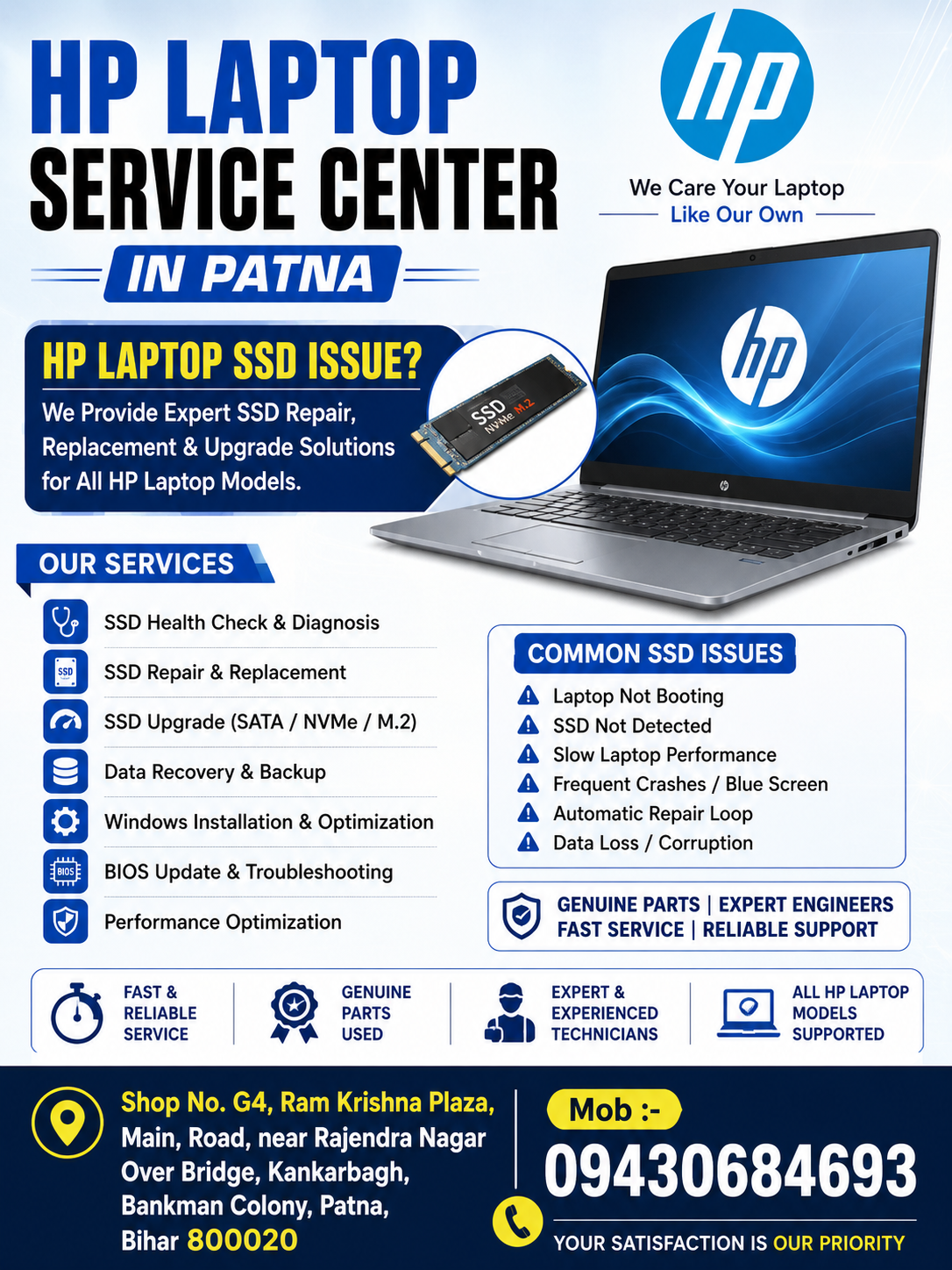
What is an SSD in a Dell Laptop?
An SSD (Solid State Drive) is the primary storage device in modern laptops. Unlike traditional hard disks, SSDs work faster and improve laptop efficiency significantly.
Benefits of SSDs include:
- Faster Windows startup
- Quick software loading
- Better gaming performance
- Improved battery life
- Silent operation
- Enhanced multitasking
Dell laptops commonly use:
- SATA SSD
- NVMe SSD
- M.2 SSD
Despite being advanced storage devices, SSDs can develop technical faults due to overheating, physical damage, firmware corruption, or power issues.
Common Dell Laptop SSD Issues
Many users visit the Dell Laptop Service Center in Patna because their laptops start showing storage-related problems. Below are some common SSD issues found in Dell laptops.
1. Dell Laptop Not Booting
One of the most common SSD issues is laptop boot failure. The laptop may:
- Get stuck on the Dell logo
- Show “No Bootable Device Found”
- Enter automatic repair mode
- Fail to load Windows
This problem usually occurs because of SSD corruption or hardware failure.
2. SSD Not Detected
Sometimes the BIOS cannot detect the SSD properly. This issue may happen because of:
- Loose SSD connection
- SSD hardware damage
- Motherboard issue
- BIOS configuration problems
Professional diagnosis at AV Tech Dell Service Center in Patna helps identify the exact cause quickly.
3. Slow Dell Laptop Performance
If your Dell laptop becomes unusually slow, the SSD may be failing internally. Common symptoms include:
- Slow startup
- Hanging applications
- Delayed response
- System freezing
- Lag during multitasking
A damaged SSD directly affects laptop speed and productivity.
4. Frequent Blue Screen Errors
Corrupted SSD sectors can cause:
- Blue screen crashes
- Windows corruption
- Sudden restart issues
- Boot loop errors
These issues should be repaired immediately to avoid complete SSD failure.
5. Data Loss Problems
Faulty SSDs can make files inaccessible or corrupted. Important office documents, photos, videos, and software data may disappear unexpectedly if SSD health is ignored.
Major Causes of Dell Laptop SSD Failure
Several technical factors can damage SSD performance over time.
Overheating
Continuous heavy usage and poor cooling can reduce SSD lifespan.
Power Fluctuation
Voltage instability and improper charging may damage SSD circuits.
Physical Damage
Laptop drops or accidental impact can affect SSD connectors.
Virus or Malware
Malware attacks may corrupt SSD partitions and operating system files.
Old SSD Firmware
Outdated firmware can create compatibility and performance issues.
Professional Dell SSD Repair Services in Patna
AV Tech Dell Service Center in Patna provides advanced SSD repair and replacement services for all Dell laptop models.
Services include:
- SSD diagnosis and health check
- SSD replacement
- SSD upgrade
- Windows installation
- Data recovery support
- BIOS troubleshooting
- Partition repair
- Performance optimization
Expert technicians use advanced tools to detect SSD issues accurately and provide reliable repair solutions.
Signs Your Dell Laptop Needs SSD Replacement
Visit a professional Dell Laptop Service Center in Patna if you notice:
- Laptop taking too long to boot
- SSD storage not appearing
- Frequent freezing issues
- Blue screen errors
- Automatic repair loop
- Files getting corrupted
- Windows installation failure
Early SSD replacement can help prevent permanent data loss.
Benefits of SSD Upgrade in Dell Laptop
Upgrading to a high-speed SSD offers several advantages.
Faster System Speed
Windows and software load much faster.
Better Gaming Experience
Games run smoothly with reduced loading time.
Improved Multitasking
Multiple applications work without lag.
Enhanced Battery Backup
SSDs consume less power than traditional HDDs.
Better Reliability
SSDs are more durable because they have no moving parts.
Dell Laptop Models Supported
AV Tech Dell Service Center in Patna supports SSD repair and upgrade services for:
- Dell Inspiron Series
- Dell Latitude
- Dell Vostro
- Dell XPS
- Dell Alienware
- Dell G Series Gaming Laptops
- Dell Precision Workstations
Professional engineers handle both old and latest Dell laptop models.
Why Choose AV Tech Dell Service Center in Patna?
Choosing an experienced Dell Laptop Service Center in Patna ensures:
- Expert technicians
- Genuine SSD replacement
- Fast repair service
- Safe data handling
- Advanced diagnostic support
- Affordable repair solutions
AV Tech Dell Service Center in Patna focuses on providing reliable laptop repair services with customer satisfaction and long-term performance solutions.