
Dell Care in Patna
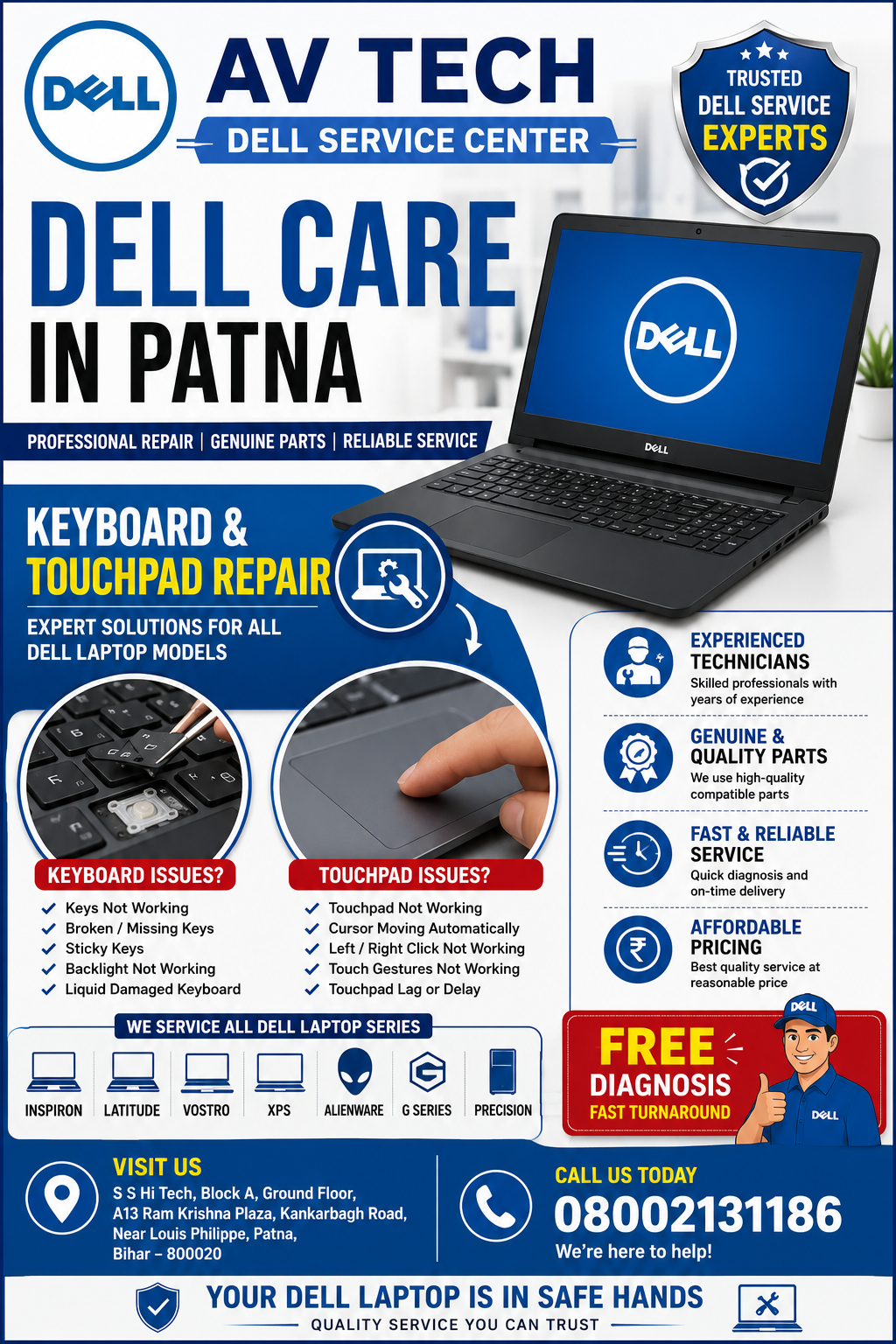
A Dell laptop is an essential device for work, education, business, and entertainment. When the keyboard stops responding or the touchpad becomes unresponsive, even simple tasks can become difficult. If you are searching for trusted Dell Care in Patna, AV Tech Dell Service Center provides professional keyboard and touchpad repair services for a wide range of Dell laptop models.
Our experienced technicians diagnose the exact cause of the problem and recommend the most appropriate repair solution. Whether the issue is hardware-related or software-related, we aim to restore your laptop’s functionality with quality workmanship and reliable service.
Dell Care in Patna
Common Dell Keyboard Issues We Repair
Keyboard problems can occur due to prolonged use, accidental liquid spills, dust accumulation, or internal hardware faults. At AV Tech Dell Service Center, we diagnose and repair issues such as:
- Keys not responding
- Missing or damaged keys
- Sticky or jammed keys
- Keyboard typing incorrect characters
- Keyboard backlight not working
- Keyboard not detected by the system
- Liquid-damaged keyboards
- Random or intermittent key failures
Every laptop is thoroughly inspected before any repair or replacement is recommended.
Dell Touchpad Repair Services in Patna
A malfunctioning touchpad can make navigation difficult and reduce productivity. Our technicians are experienced in resolving a variety of Dell touchpad issues, including:
- Touchpad not responding
- Cursor moving automatically
- Left or right click not working
- Multi-touch gestures disabled
- Driver or software-related touchpad issues
- Internal cable connection problems
- Physical touchpad damage
- Touchpad freezing or lagging
Our goal is to restore smooth and accurate touchpad performance after careful diagnosis.
Why Choose AV Tech Dell Service Center?
Experienced Dell Laptop Technicians
Our repair team has experience servicing multiple Dell laptop series, including:
- Dell Inspiron
- Dell Latitude
- Dell Vostro
- Dell XPS
- Dell Precision
- Dell Alienware
- Dell G Series
Each repair follows a structured diagnostic process to identify the root cause before any repair work begins.
Dell Care in Patna
Comprehensive Diagnostic Process
We examine every laptop to determine whether the issue is related to:
- Keyboard hardware
- Touchpad hardware
- Motherboard connections
- BIOS configuration
- Windows settings
- Device drivers
- Software conflicts
Accurate diagnosis helps avoid unnecessary component replacement.
Quality Replacement Components
When replacement is necessary, we use high-quality compatible parts designed to deliver reliable performance and long-term durability.
Transparent Service
Our technicians explain the issue, discuss the repair process, and answer customer questions before proceeding with the recommended solution.
Signs Your Dell Keyboard Needs Professional Attention
You should have your laptop inspected if you notice:
- Certain keys stop responding
- Repeated or unintended typing
- Sticky keys
- Keyboard backlight not functioning
- Keyboard disconnecting intermittently
- Water or liquid exposure
- Physical key damage
Timely repairs can help prevent further hardware complications.
Signs Your Dell Touchpad Needs Repair
Consider professional diagnosis if your laptop shows any of the following:
- Cursor movement is erratic
- Touchpad clicks fail to register
- Touch gestures stop working
- Cursor freezes frequently
- Touchpad is physically damaged
- Laptop fails to detect the touchpad
- Pointer moves without user input
Our Dell Laptop Repair Process
1. Initial Inspection
Our technicians perform a detailed hardware and software inspection.
2. Problem Diagnosis
The exact cause of the keyboard or touchpad issue is identified using professional diagnostic tools.
3. Repair or Replacement
The necessary repair or replacement is completed using appropriate tools and quality components.
4. Functional Testing
The repaired laptop is tested thoroughly to ensure that all keyboard keys and touchpad functions operate correctly.
5. Final Quality Check
Before returning the laptop, our team performs a complete quality inspection.
Tips to Keep Your Dell Keyboard and Touchpad in Good Condition
You can help extend the life of your laptop by following these simple practices:
- Keep liquids away from your laptop.
- Clean the keyboard regularly using appropriate methods.
- Avoid excessive force while typing.
- Keep your operating system and drivers updated.
- Use the laptop on a clean, stable surface.
- Protect your laptop during travel.
- Schedule timely inspections if you notice unusual behavior.
Dell Laptop Models We Service
Our technicians repair keyboard and touchpad issues for many Dell laptop models, including:
- Dell Inspiron Series
- Dell Latitude Series
- Dell Vostro Series
- Dell XPS Series
- Dell Precision Series
- Dell Alienware Series
- Dell G Series
Frequently Asked Questions
Why is my Dell laptop keyboard not working?
Keyboard issues may be caused by hardware wear, accidental liquid damage, software conflicts, outdated drivers, or loose internal connections. A professional diagnosis helps determine the exact cause.
Can a Dell keyboard be repaired instead of replaced?
Some keyboard problems can be repaired, while others may require replacement depending on the extent of the damage. Our technicians recommend the most appropriate solution after inspection.
Why has my Dell touchpad stopped responding?
Possible causes include disabled settings, outdated drivers, software issues, internal connection faults, or physical damage.
Do you repair liquid-damaged Dell keyboards?
Yes. We inspect liquid-damaged laptops to determine whether cleaning, repair, or replacement is the most suitable solution.
How long does Dell keyboard or touchpad repair take?
Repair time depends on the nature of the issue and the availability of compatible replacement components.