
Dell Care in Patna
A malfunctioning motherboard is one of the most critical issues a laptop or desktop can face — it can bring your entire system to a complete standstill. If you own a Dell laptop or desktop in Patna and are dealing with a dead system, boot failure, or erratic hardware behavior, Dell Care in Patna offers specialized motherboard diagnosis and repair services designed to get your device working again quickly and reliably.
This article covers everything about Dell motherboard repair and service in Patna — common symptoms of motherboard failure, the repair process, why professional service matters, and how to choose the right Dell Care center for your device.
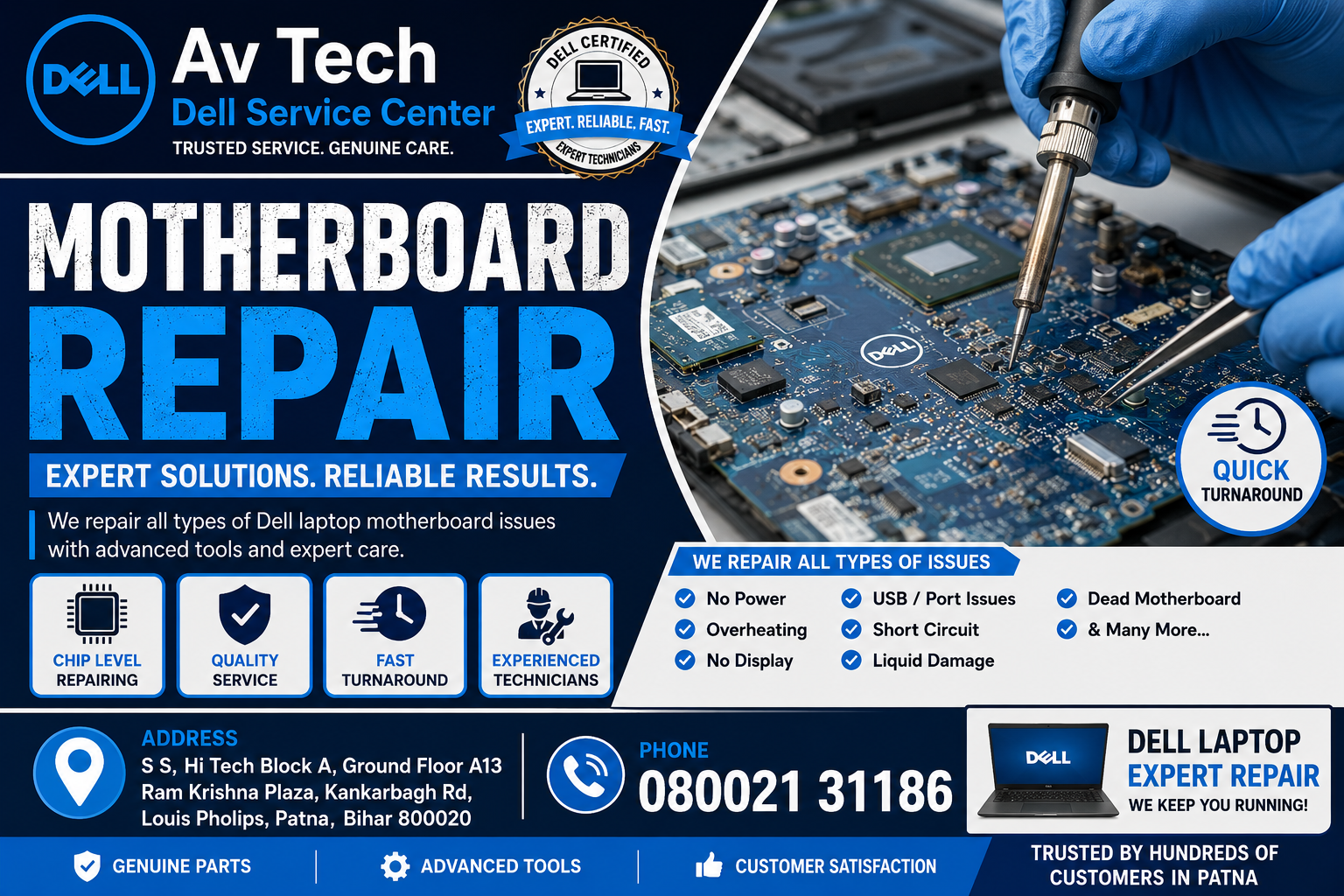
Why Dell Care in Patna is Trusted for Motherboard Repair
Motherboard repair is one of the most technically demanding jobs in computer servicing. It requires precision, experience, and access to genuine components. Here’s what sets Dell Care in Patna apart:
- Advanced Diagnostic Tools – Chip-level diagnostic equipment to pinpoint exact motherboard faults.
- Certified Dell Technicians – Engineers trained specifically on Dell hardware architecture.
- Genuine Dell Components – Original replacement parts to ensure compatibility and durability.
- Component-Level Repair – Instead of straightaway replacing the entire motherboard, faulty components are repaired wherever possible, saving cost and time.
- Warranty-Compliant Service – In-warranty devices are handled strictly as per Dell’s official service protocols.
- Transparent Cost Estimates – No hidden charges; estimates are shared before repair work begins.
Common Signs of Dell Motherboard Failure
Recognizing early warning signs can help you avoid further damage to your device. Common symptoms include:
- System Not Powering On – The laptop or desktop shows no signs of life despite being plugged in.
- Random Shutdowns or Restarts – The system powers off unexpectedly during use.
- No Display Output – The screen remains black even though the power light is on.
- Burning Smell or Visible Damage – A sign of short-circuiting or component burnout.
- USB Ports, Audio, or Charging Not Working – Localized motherboard circuit failures.
- System Freezes or Blue Screen Errors – Frequent crashes that persist even after software troubleshooting.
- Battery Not Charging Despite New Battery – Often linked to power circuitry issues on the motherboard.
If your Dell device shows any of these symptoms, it’s best to get it inspected by a professional technician rather than risking further damage through DIY repairs.
Dell Motherboard Repair Process at Dell Care in Patna
1. Initial Diagnosis
The technician performs a thorough inspection using diagnostic software and hardware testing tools to identify the exact fault — whether it’s a power IC failure, damaged capacitor, short circuit, or a failed chipset.
2. Component-Level Testing
Rather than jumping straight to full replacement, experienced technicians test individual components such as the power management IC, MOSFETs, capacitors, and connectors to isolate the actual problem.
3. Repair or Replacement Decision
Based on the diagnosis, the technician either:
- Repairs the specific faulty component (cost-effective and faster), or
- Recommends a full motherboard replacement (in cases of severe damage like liquid spillage or burnt circuit boards)
4. Testing and Quality Check
After repair, the motherboard undergoes stress testing to confirm stable performance under normal usage conditions before the device is returned to the customer.
5. Final Handover with Service Report
Customers receive a detailed report of the issue found and the repair performed, along with applicable warranty terms on the service.
Common Causes of Dell Motherboard Damage
- Liquid Spillage – One of the leading causes of motherboard short circuits.
- Power Surges – Sudden voltage fluctuations without surge protection.
- Overheating – Prolonged use without proper ventilation, leading to component stress over time.
- Physical Damage – Drops or impacts that crack solder joints or damage circuit pathways.
- Manufacturing Defects – Rare, but possible in certain component batches.
- Dust Accumulation – Long-term dust buildup causing short circuits or overheating.
Why Choose Professional Dell Motherboard Repair Over Local Repair Shops
Motherboard repair is not a generic fix — it requires specialized knowledge of Dell’s specific board layouts and components. Choosing Dell Care in Patna over unauthorized local shops offers several advantages:
- Genuine Parts Only – Avoids the risk of incompatible or low-quality duplicate components.
- Skilled Technicians – Trained specifically on Dell hardware, reducing chances of repeated failure.
- Warranty Protection – Unauthorized repairs can void your remaining Dell warranty.
- Long-Term Reliability – Professional repairs are tested for durability, not just a quick fix.
- Data Safety – Reduced risk of data loss during handling and repair.
Additional Dell Services Available in Patna
Along with motherboard repair, Dell Care in Patna typically offers:
- Screen and display replacement
- Battery replacement and power issues
- Keyboard and touchpad repair
- RAM and SSD/HDD upgrades
- Operating system installation and driver updates
- Virus and malware removal
- Annual Maintenance Contracts (AMC) for businesses
How to Book a Dell Motherboard Repair Service in Patna
- Contact the Service Center – Call or visit the official Dell support page to locate your nearest authorized center in Patna.
- Describe the Issue – Mention your device model and the specific symptoms you’re experiencing.
- Choose Service Mode – Walk-in service or doorstep pickup, depending on availability.
- Receive a Diagnostic Estimate – Technicians will assess the issue and share a cost estimate for out-of-warranty repairs.
- Track Repair Progress – Get updates via call, SMS, or online tracking until your device is ready.
Tips to Prevent Future Motherboard Issues
- Always use a surge protector or UPS to guard against voltage fluctuations.
- Keep liquids away from your laptop or desktop workstation.
- Clean internal components periodically to prevent dust buildup and overheating.
- Avoid overloading USB ports with high-power peripherals.
- Schedule regular maintenance checks, especially for devices used in business-critical operations.
Frequently Asked Questions (FAQs)
Q1. How much does Dell motherboard repair cost in Patna? Costs vary depending on whether the issue requires component-level repair or full motherboard replacement. An authorized service center will provide an exact estimate after diagnosis.
Q2. Can a damaged motherboard be repaired instead of replaced? Yes, in many cases, component-level repair (such as fixing a faulty IC or capacitor) is possible and more cost-effective than a full replacement.
Q3. How long does motherboard repair typically take? Diagnosis usually takes a day, while the repair itself can range from 2-5 business days depending on part availability and damage severity.
Q4. Will I lose my data during motherboard repair? Data on the storage drive (SSD/HDD) is generally unaffected by motherboard repair, but it’s always recommended to back up important files beforehand as a precaution.
Q5. Is motherboard repair covered under Dell warranty? If the device is within its warranty period and the damage isn’t due to misuse (like liquid spillage or physical damage), the repair is typically covered under Dell’s standard warranty terms.
Conclusion
A motherboard issue can feel like the end of the road for your Dell laptop or desktop, but with the right expertise, most problems can be diagnosed and repaired effectively. Dell Care in Patna provides specialized, component-level motherboard repair services backed by certified technicians and genuine parts — ensuring your device runs reliably for years to come. Whether you’re dealing with a system that won’t power on or intermittent hardware failures, trusting a professional Dell Care center is the safest way to protect your investment.