
Dell Laptop Service Center in Patna
Dell Laptop Heating Issue – Causes, Solutions & Expert Repair Services in Patna
Is your Dell laptop becoming unusually hot while working, gaming, attending online classes, or browsing the internet? A Dell laptop heating issue is one of the most common problems that can affect your laptop’s performance, battery life, and overall hardware health.
If your laptop frequently overheats, slows down, freezes, or shuts down unexpectedly, it is important to seek professional assistance from a trusted Dell Laptop Service Center in Patna before the issue causes permanent damage.
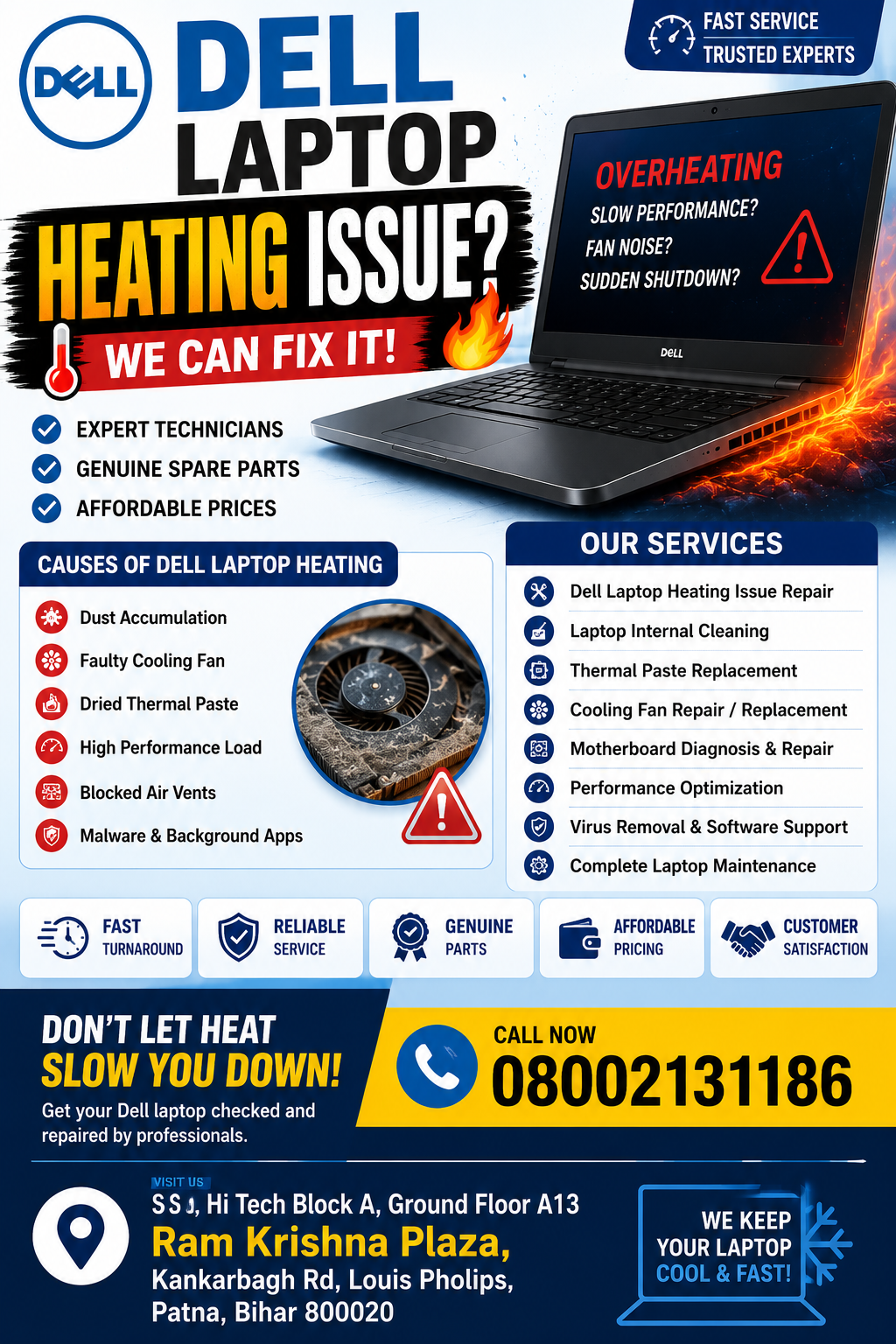
Dell Laptop Service Center in Patna
What Causes a Dell Laptop Heating Issue?
Several hardware and software factors can lead to overheating in Dell laptops.
1. Dust and Dirt Build-Up
Dust accumulation inside cooling vents and fans blocks airflow and prevents proper heat dissipation.
2. Faulty Cooling Fan
A damaged or malfunctioning cooling fan cannot effectively cool internal components, causing temperatures to rise rapidly.
3. Dried Thermal Paste
Thermal paste transfers heat from the processor to the heatsink. Over time, it can dry out and lose efficiency.
4. Heavy Software Usage
Running multiple applications, gaming software, video editing programs, and high-performance tasks can generate excessive heat.
5. Malware and Background Processes
Viruses and unnecessary background applications increase CPU usage, resulting in higher temperatures.
6. Poor Ventilation
Using a laptop on beds, cushions, or soft surfaces blocks air vents and restricts cooling airflow.
Dell Laptop Service Center in Patna
Common Symptoms of a Dell Laptop Overheating
If you notice any of the following signs, your device may require professional servicing:
- Laptop becomes extremely hot during use
- Frequent automatic shutdowns
- Slow system performance
- Excessive fan noise
- Screen freezing or lagging
- Battery draining quickly
- Blue screen errors
- Reduced gaming performance
- Hot keyboard and bottom panel
A professional Dell Laptop Service Center in Patna can accurately diagnose the issue and provide effective repair solutions.
How to Fix Dell Laptop Heating Issues
Internal Dust Cleaning
Professional cleaning removes dust from fans, heatsinks, and air vents, restoring proper airflow.
Thermal Paste Replacement
Applying high-quality thermal paste improves heat transfer and reduces processor temperatures.
Cooling Fan Repair or Replacement
Replacing a faulty fan ensures efficient cooling performance.
Software Optimization
Removing unnecessary startup programs and malware helps reduce CPU workload.
BIOS and Driver Updates
Updated system software can improve thermal management and overall system efficiency.
Laptop Cooling Accessories
Using cooling pads can help reduce operating temperatures during heavy workloads.
Why Choose a Dell Laptop Service Center in Patna?
Professional repair centers provide specialized solutions for Dell laptop heating issues.
Certified Technicians
Experienced engineers understand Dell laptop architecture and can identify problems quickly.
Advanced Diagnostic Equipment
Modern tools help detect fan failures, motherboard issues, processor overheating, and cooling system defects.
Genuine Replacement Parts
Authentic spare parts ensure long-term reliability and performance.
Fast Service
Most heating-related issues can be diagnosed and repaired efficiently.
Affordable Pricing
Professional laptop servicing is often more cost-effective than replacing damaged components later.
Services Offered by Dell Laptop Service Center in Patna
A reliable Dell Laptop Service Center in Patna typically provides:
- Dell Laptop Heating Issue Repair
- Laptop Internal Cleaning
- Cooling Fan Replacement
- Thermal Paste Replacement
- Motherboard Repair
- Dell Laptop Performance Optimization
- Battery Replacement
- SSD and RAM Upgrades
- Virus and Malware Removal
- Complete Laptop Maintenance Services
Benefits of Professional Dell Laptop Servicing
Choosing expert repair services offers several advantages:
Improved Performance
A properly cooled laptop runs faster and more efficiently.
Longer Hardware Lifespan
Lower temperatures reduce stress on critical components.
Better Battery Health
Overheating can damage batteries over time; proper cooling helps maintain battery performance.
Reduced Risk of Hardware Failure
Timely maintenance prevents expensive repairs and data loss.
Enhanced User Experience
A cooler laptop delivers smoother multitasking, gaming, and professional performance.
Tips to Prevent Dell Laptop Heating Issues
Follow these simple maintenance tips:
- Clean laptop vents regularly
- Avoid using laptops on soft surfaces
- Keep software updated
- Close unnecessary background applications
- Install trusted antivirus software
- Schedule periodic professional maintenance
- Use a cooling pad for intensive tasks
Best Dell Laptop Service Center in Patna for Heating Issue Repair
If your Dell laptop is overheating, professional repair is the safest and most effective solution. An experienced Dell Laptop Service Center in Patna can inspect your device, clean internal components, replace faulty cooling systems, and restore optimal performance.
Whether you use your laptop for education, office work, business operations, programming, or gaming, timely servicing can prevent major hardware failures and improve overall efficiency.
Conclusion
A Dell laptop heating issue should never be ignored. Continuous overheating can damage the motherboard, processor, battery, and other critical components. Regular maintenance and professional repair services help keep your laptop operating safely and efficiently.