
Dell Care in Patna
A Dell battery and power issue can disrupt your work, studies, and daily activities. Whether your Dell laptop is not charging, shuts down unexpectedly, drains battery quickly, or refuses to turn on, identifying the root cause is essential for restoring performance.
At Dell Care in Patna, we specialize in diagnosing and repairing all types of Dell battery and power issues. Our certified technicians provide reliable solutions for Dell laptops, ensuring long-lasting performance and optimal battery health.
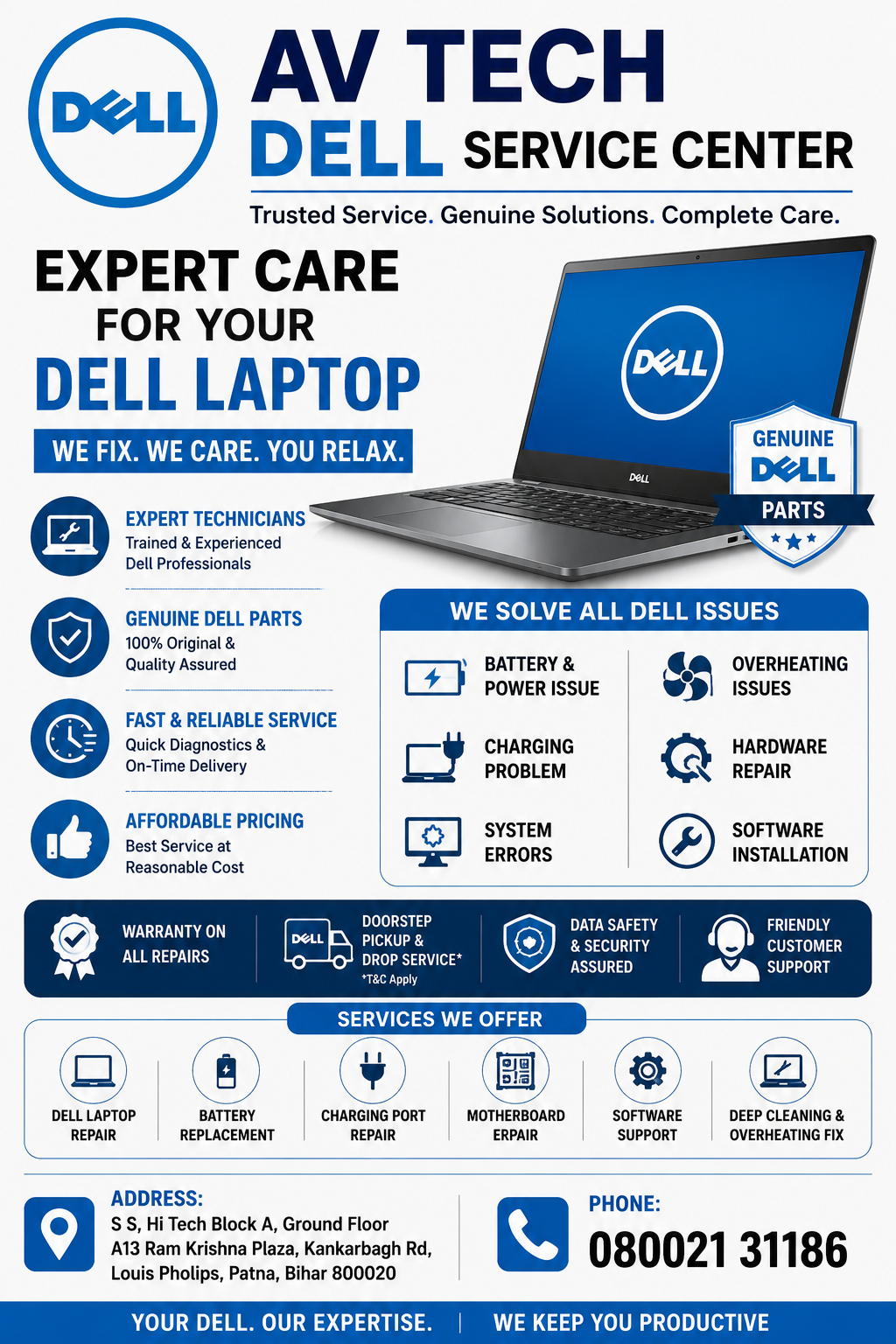
Common Dell Battery and Power Issues
Many Dell laptop users experience power-related problems that can worsen if left untreated.
Dell Laptop Not Charging
One of the most common Dell battery and power issues occurs when the laptop displays “Plugged In, Not Charging.” This may be caused by a faulty charger, damaged charging port, battery failure, or motherboard issues.
Rapid Battery Drain
If your Dell laptop battery drains quickly even after a full charge, it may indicate battery degradation, excessive background applications, overheating, or software-related issues.
Dell Laptop Not Turning On
A complete power failure can occur due to battery damage, charging circuit faults, motherboard problems, or adapter malfunction.
Battery Percentage Not Updating
Sometimes the battery percentage remains stuck at a certain level. This often points to battery calibration problems or battery controller errors.
Unexpected Shutdowns
Random shutdowns are often linked to overheating, battery failure, power supply fluctuations, or motherboard-level faults.
Major Causes of Dell Battery and Power Issues
Several factors can contribute to battery and power problems in Dell laptops:
- Aging battery cells
- Faulty power adapter
- Damaged charging port
- Motherboard power circuit failure
- Corrupted battery drivers
- BIOS issues
- Overheating components
- Electrical fluctuations
- Power management software errors
Understanding these causes can help prevent further damage and costly repairs.
Effective Solutions for Dell Battery and Power Issues
Inspect the Power Adapter
Check your Dell charger for signs of wear or damage. Using an incompatible adapter can cause charging problems and battery deterioration.
Perform a Power Reset
Disconnect the charger, remove the battery if possible, hold the power button for 20 seconds, and restart the laptop.
Update Battery Drivers
Outdated drivers can interfere with charging functions. Updating battery and chipset drivers may resolve many Dell battery and power issues.
Calibrate the Battery
Allow the battery to charge to 100%, discharge completely, and recharge again. This helps improve battery reading accuracy.
Update BIOS
Dell regularly releases BIOS updates that improve battery performance and system stability.
Run Dell Diagnostics
Dell’s built-in diagnostic tools can help identify battery health issues and hardware faults.
Signs Your Dell Laptop Needs Professional Repair
You should seek expert assistance if you notice:
- Battery not charging at all
- Charging port damage
- Battery swelling
- Frequent shutdowns
- Laptop only works when plugged in
- Battery health warnings
- Complete power failure
Ignoring these symptoms can lead to more serious hardware problems.
Why Choose Dell Care in Patna?
When dealing with a Dell battery and power issue, professional diagnosis is critical. At Dell Care in Patna, we provide:
- Expert Dell laptop technicians
- Advanced diagnostic equipment
- Genuine Dell battery replacements
- Charging port repair services
- Motherboard-level troubleshooting
- Fast repair turnaround
- Affordable pricing
- Support for all Dell laptop models
Our goal is to restore your Dell laptop’s performance quickly and efficiently.
Dell Laptop Models We Repair
We provide battery and power repair services for:
- Dell Inspiron Series
- Dell Latitude Series
- Dell Vostro Series
- Dell XPS Series
- Dell G Series Gaming Laptops
- Dell Alienware Laptops
- Dell Precision Workstations
Tips to Improve Dell Laptop Battery Life
Follow these simple practices to extend battery lifespan:
- Use an original Dell charger
- Avoid overcharging
- Keep the laptop cool and dust-free
- Reduce screen brightness
- Close unnecessary applications
- Enable battery saver mode
- Update drivers regularly
- Avoid exposing the laptop to extreme temperatures
Professional Dell Battery Replacement in Patna
If your battery no longer holds a charge or your laptop experiences persistent power problems, replacing the battery with a genuine Dell battery is often the best solution. At Dell Care in Patna, we provide high-quality battery replacement services backed by expert installation.
Conclusion
A Dell battery and power issue can affect productivity and potentially damage important hardware components if ignored. Early diagnosis and professional repair help prevent costly breakdowns and extend your laptop’s lifespan.
If you’re experiencing charging issues, battery drain, unexpected shutdowns, or power failures, trust Dell Care in Patna for reliable diagnosis and repair services. Our experienced technicians are equipped to handle all Dell battery and power-related problems efficiently.